Understanding the Job Audits Page
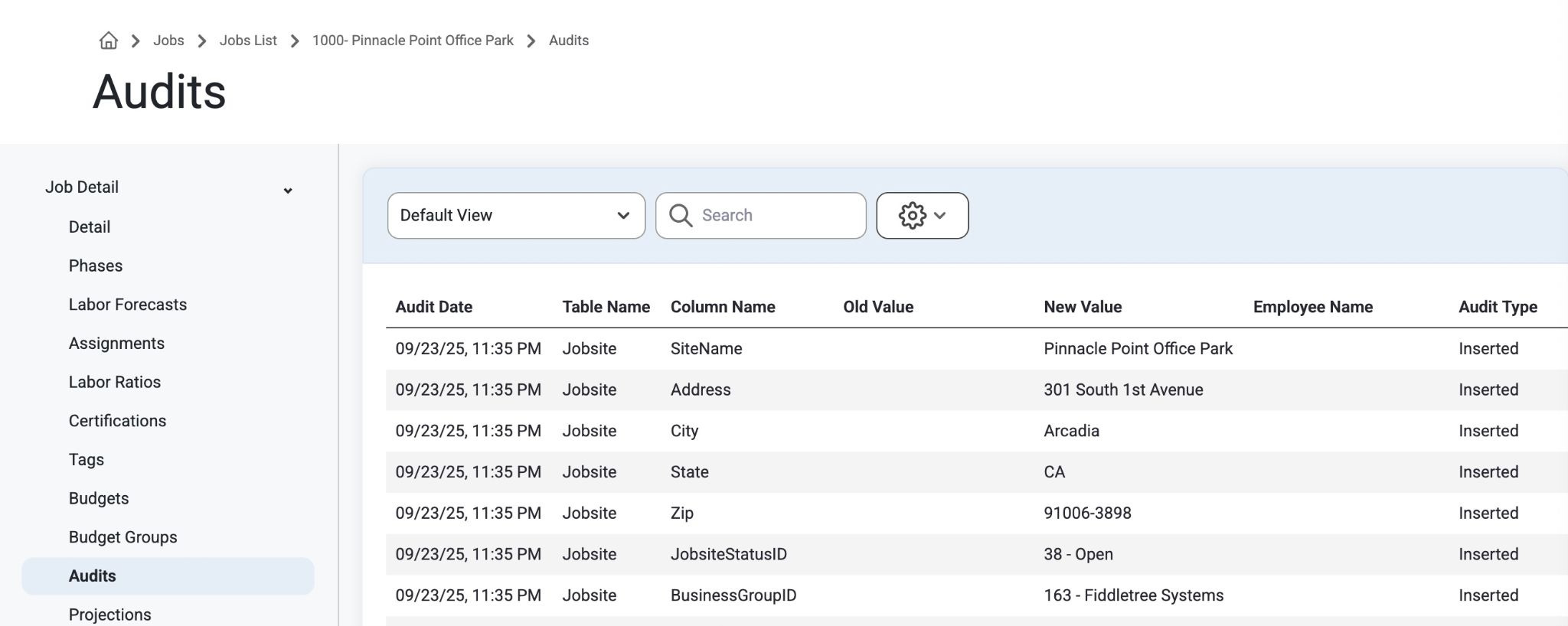
Within the Job List users can select a Job and navigate to the Job Audits page on the left side panel.
All pages have audits and it will show what was changed or updated and by whom.
Most pages throughout Resource Planning have audits to track any changes that happen. These audit records will show what field changed, when it was changed, and who it was changed by.
Visit this page to track how the Job has developed over time, or to see when a specific change was made.
Where Are Audits Used?
Admin>Organization>Notification Settings
Admin>Organization>Business Groups
Admin>Organization>Users
Admin>Organization>Permission Groups
Admin>Job Setup>Phases
Admin>JobSetup>Tags
Admin>JobSetup>Work Schedule
Admin>Employee Setup>Positions
Admin>Employee Setup>Certifications
Admin>Employee Setup> Labor Types
Admin>Asset Setup>Asset Categories
Admin>Crew Setup>Crew Types
Was this article helpful?
That’s Great!
Thank you for your feedback
Sorry! We couldn't be helpful
Thank you for your feedback
Feedback sent
We appreciate your effort and will try to fix the article