Jobs Map
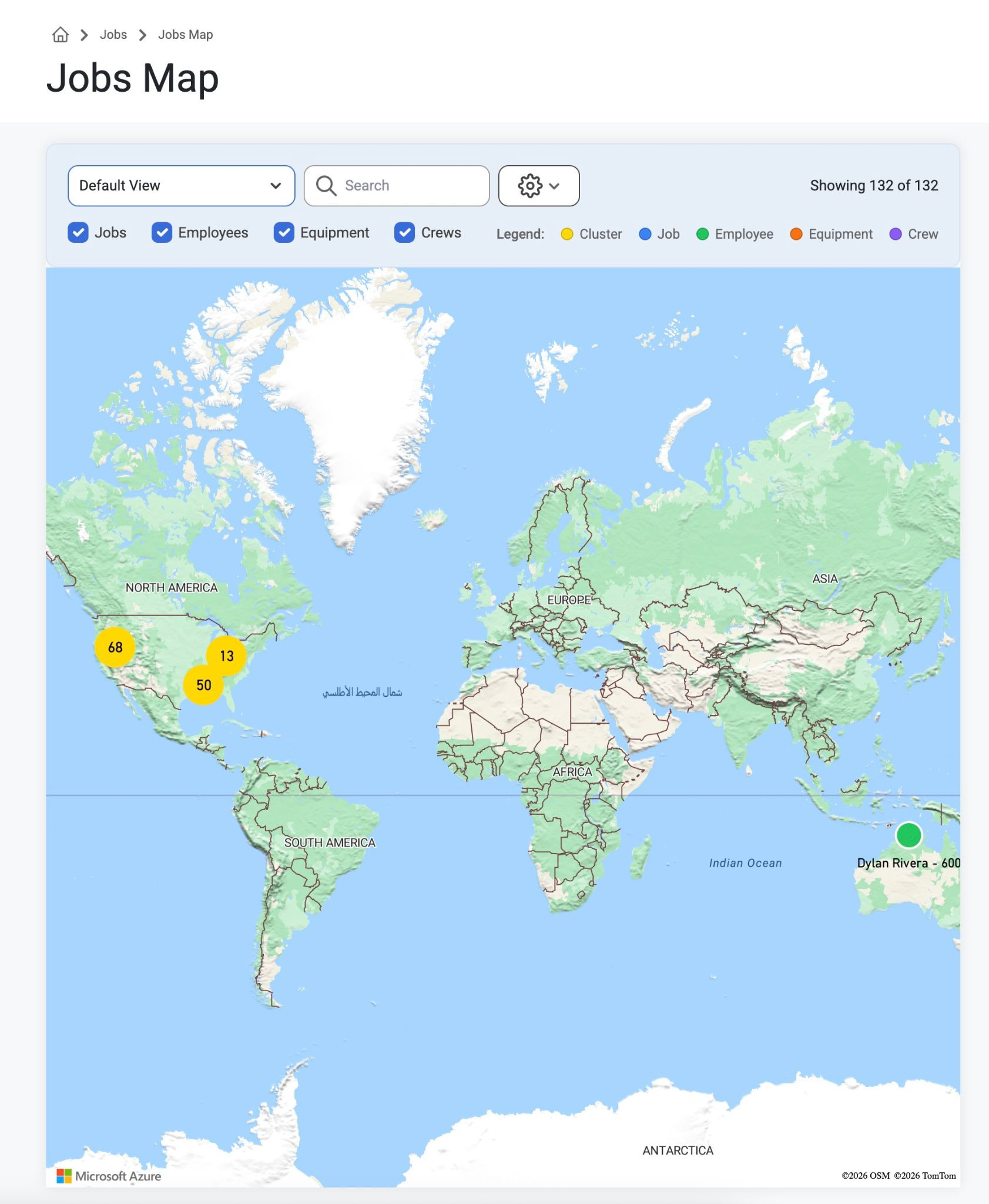
Purpose: The great thing about this interactive Map is that it helps with scheduling the right people for the right jobs. Users can also see the obtained or missing certifications of employees within a certain area for a job, or employees can be scheduled based on their proximity to a jobsite. If there is no notable distance (for example 0.0 miles) then no numbers will be seen under the names of employees on the map. Scroll to zoom in or out and use the toggles to filter and search based on Resource Type.
Note: The Employees on this map can only be seen by users with ‘Can View Sensitive' permissions because it shows where employees live. This can be setup or changed in Admin>Organization>PermissionGroups. Read about it here: Permissions
How to: To view, Navigate to ‘Jobs’ on the top navigation bar and select ‘Jobs Map’ from the drop-down menu. Users can select the following boxes to find their locations:
Jobs
Employees
Equipment
Crews
Note: Jobs can be filtered by activity, but will default to only show active jobs.
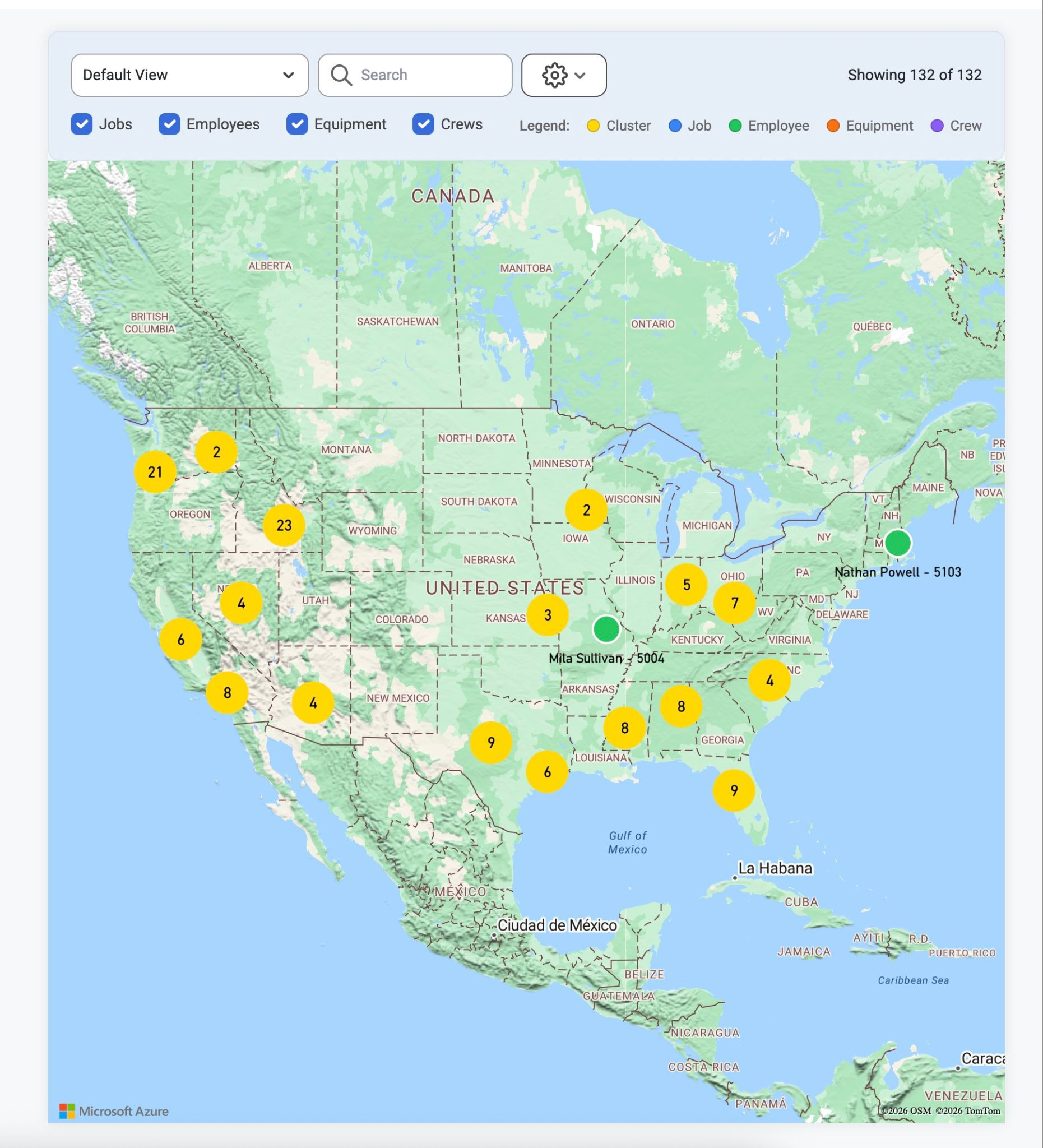
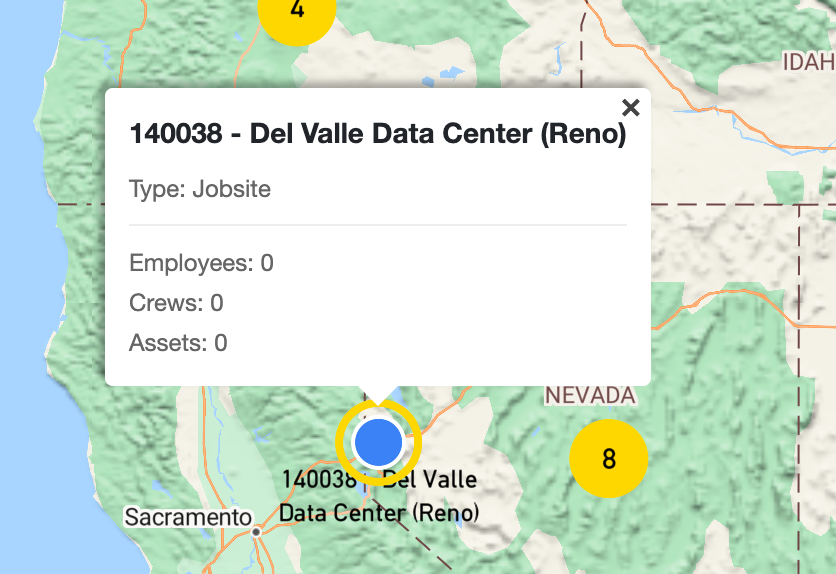
When clicking the job circle, the number of assigned Employees, Crews, and Assets will be visible in a modal to those with ‘Can View Sensitive' permissions, and hidden from those without those permissions.
Was this article helpful?
That’s Great!
Thank you for your feedback
Sorry! We couldn't be helpful
Thank you for your feedback
Feedback sent
We appreciate your effort and will try to fix the article