Resources Map
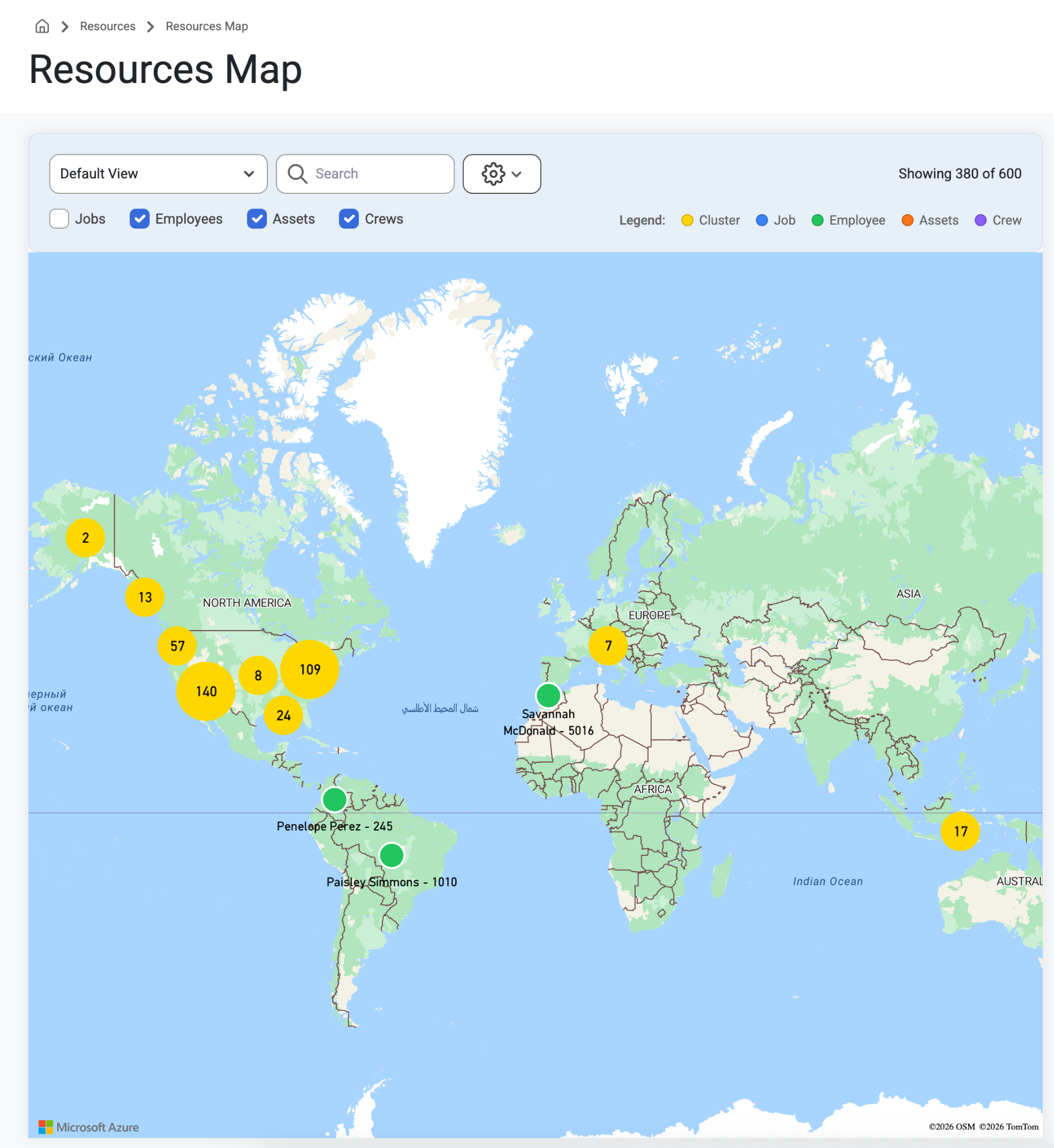
To view, Navigate to ‘Resources’ on the top navigation bar and select ‘Resources Map’ from the drop-down menu. Users can select the following boxes to find their locations:
Jobs
Employees
Equipment
Crews
The Employees on this map can only be seen by users with ‘Can View Sensitive' permissions because it shows where employees live. The great thing about this interactive Map is that it helps with scheduling people closer to jobsites and managing resources. The map also shows job pins and pins of each crew lead’s address but is protected by viewing permissions. Learn about setting up viewing permissions here: Permissions
Was this article helpful?
That’s Great!
Thank you for your feedback
Sorry! We couldn't be helpful
Thank you for your feedback
Feedback sent
We appreciate your effort and will try to fix the article