Employees
To view, select ‘Resources’ on the top navigation bar and click “Employees’ from the drop-down menu. Notice the buttons below to ‘Send Opt-In Texts’ to confirm SMS messages. If a message has already been sent, the button to send will not be available.
This is so admins can be able to notify employees of work schedules and assignment updates.
Access article on Consenting to SMS Messaging here: Consent to SMS Messaging
Or select, ‘Add New’ to manually add a new employee. Search for an individual employee or click on an employee below to see Employee Detail.
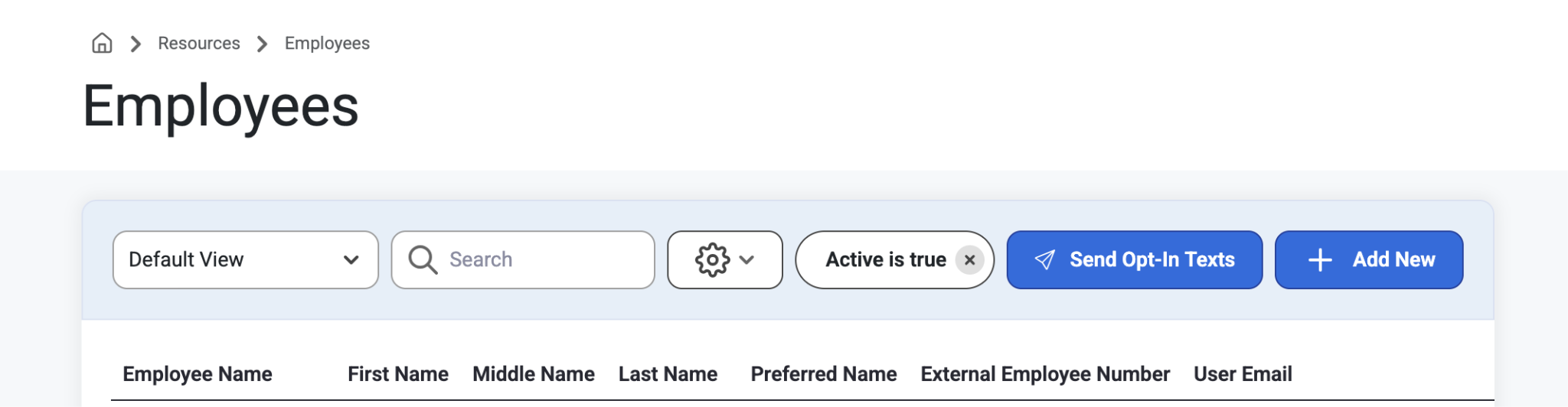
When searching for an Employee, users can use quick filters to find people quickly by using First Name, Middle Name or Last Name filters.
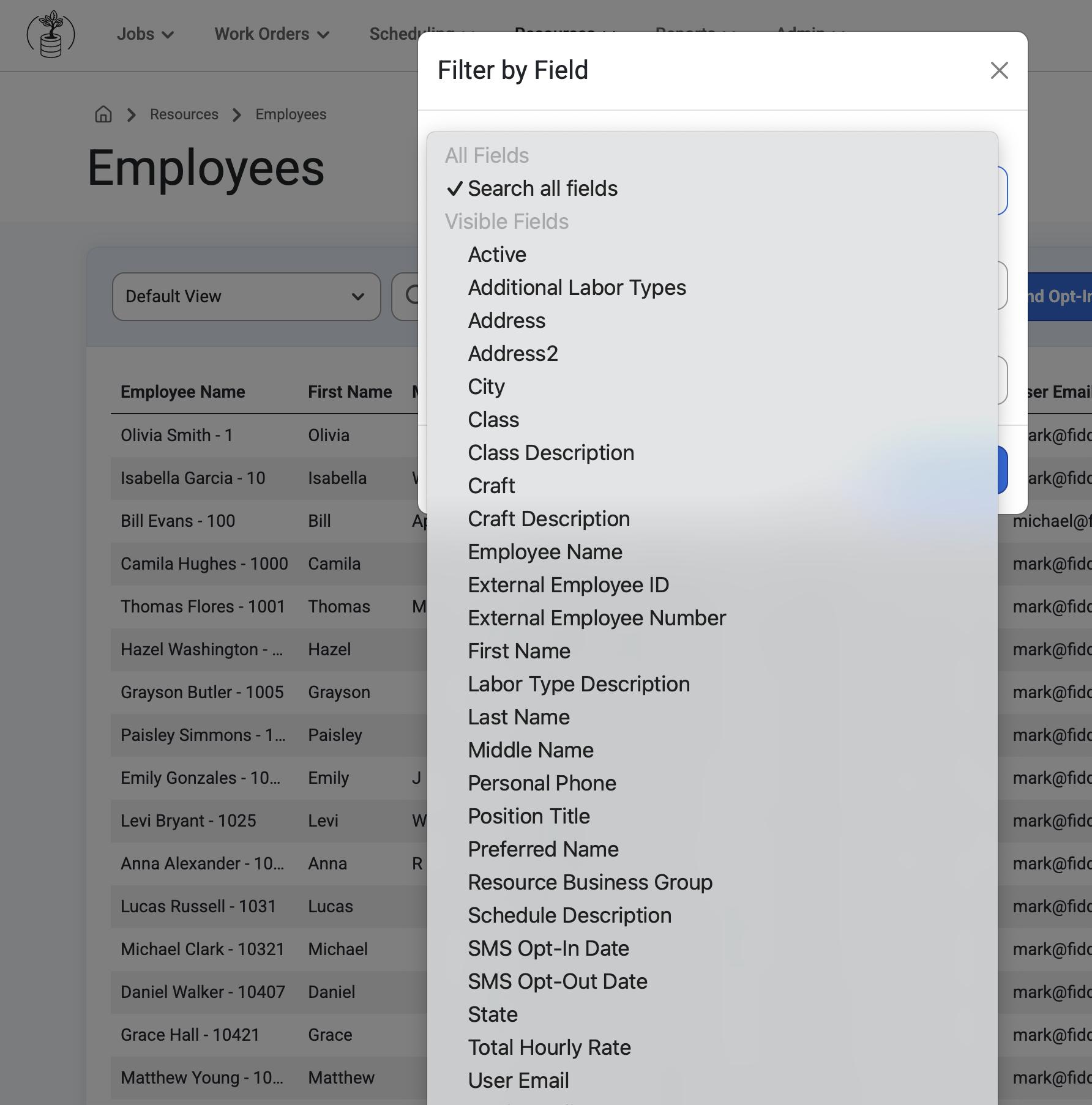
Employee Detail
This page shows individual details on each employee. All information is pulled directly from Vista. Only users with full permissions can see sensitive fields.
Access article on authorizing permissions here: Permission Groups
Assignments
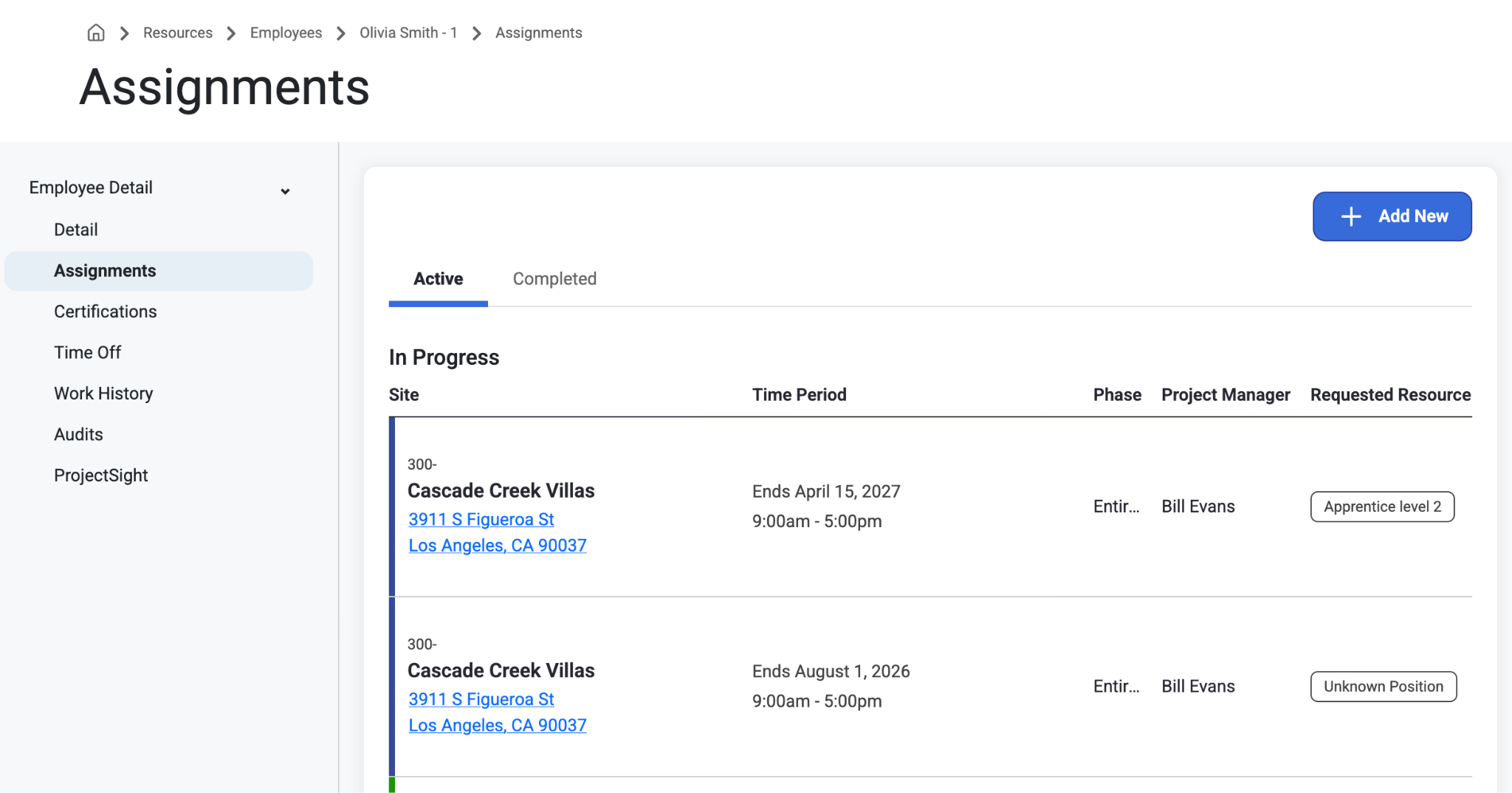
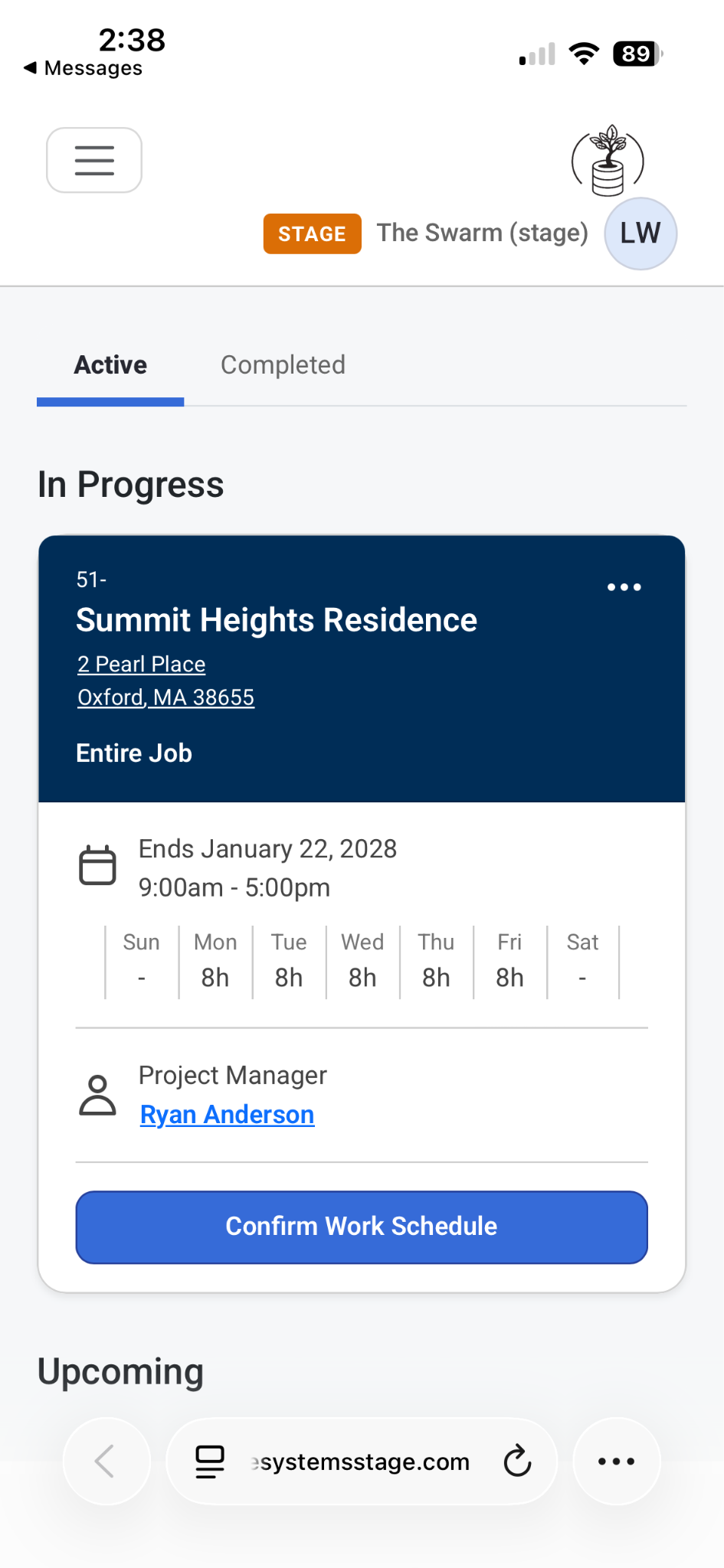
This page will show each employee’s active and completed short-term and long-term assignments, as well as their percentage of allocation within each assignment. Users can also have a preview of the mobile-friendly view by shrinking their web browser to a smaller window.
Users have the ability to Add New assignments directly on the employee record if the logged in user has Dispatching permissions.
When adding a new assignment directly from an employee record the employee and primary categories will default to Employees.
Employees can also view the Job Phase, work schedule, Job attachments, and job notes in Assignment mobile view,
Note: Project Managers or Tenant Admins can decide on options to enable/disable ‘Include in Schedule Notifications’ in Employee Assignment Details.
On mobile view, the confirmation button for logged in users is located on their employee records assignment page.
Assignments are separated into Active and Completed tabs. Scroll to the right to see column information like Phase, Allocation %, and Notes.
Once an employee consents to SMS text messaging they are able to see schedule notifications and confirm and long term or short term work schedules.
Read more on that here: Users
Certifications
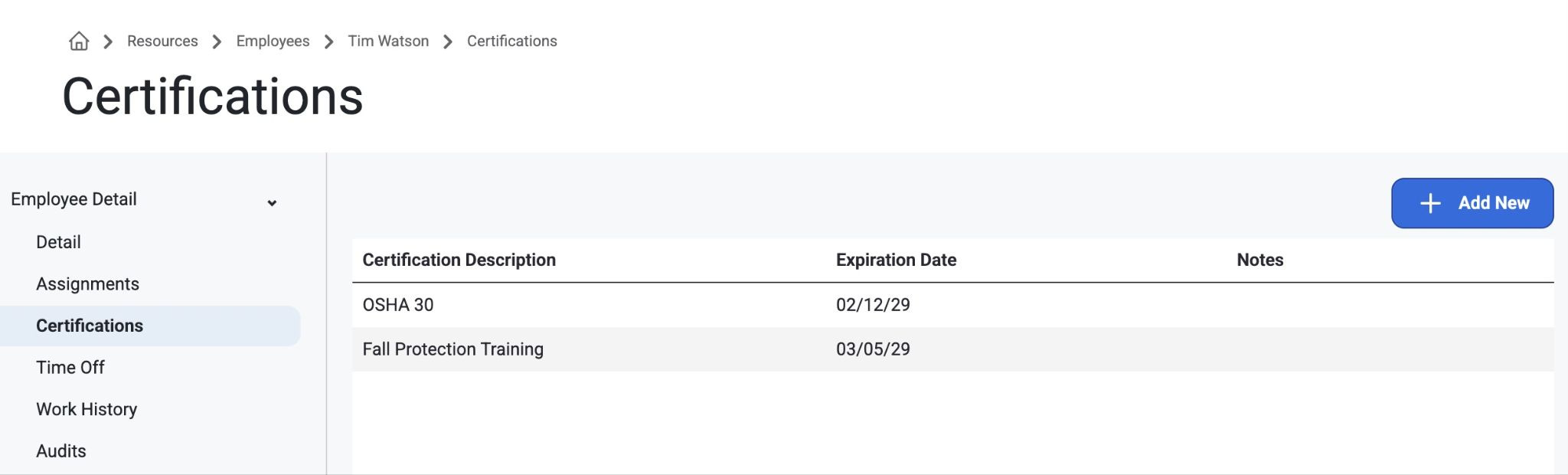
This page shows employee certifications. This info gets pulled in from manually inputted Employee data, as Vista does not have the option to set up certifications and that information will not pull through. Admins can also select ‘Add New’ to add a new certification for that employee and adjust expiration dates by clicking into that certification.
Notice the dropdown menu when adding a new Certification Description
Read about how to set up Certifications here: Employee Setup>Certifications
Or, read about Missing Certifications here: Missing Certifications
Time Off
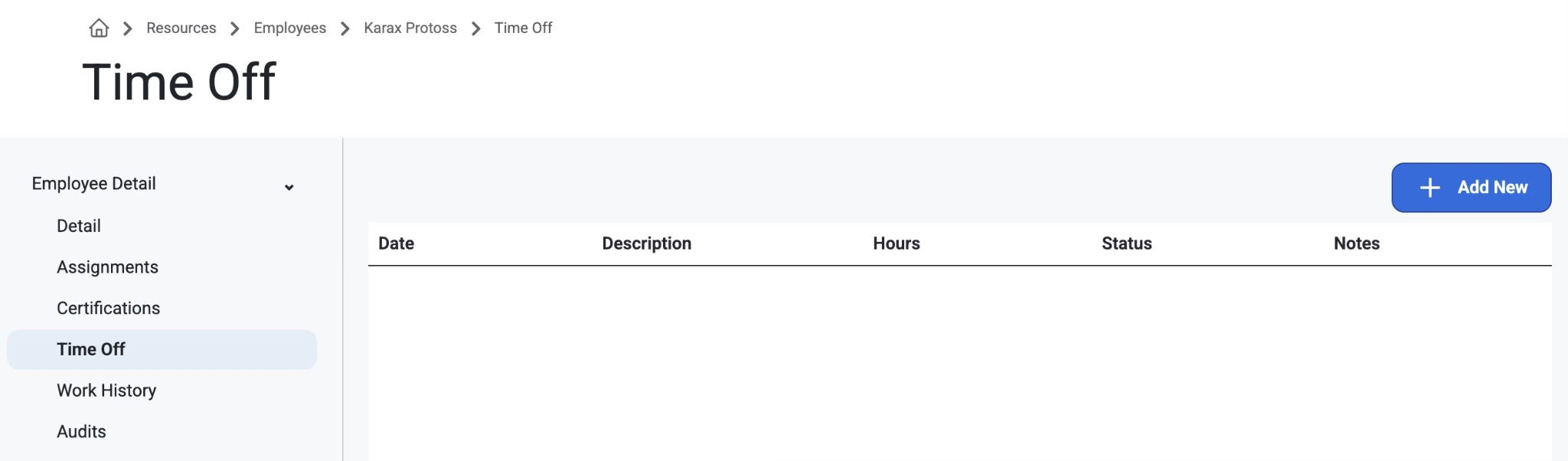
This page will be translated to the Dispatch Board so if an employee has a time off, they will drop off of the available employee list when looking at daily assignments or the daily scheduling page. The employee with time off will show as already being committed to work. There is also the option to ‘Add New.’
Work History
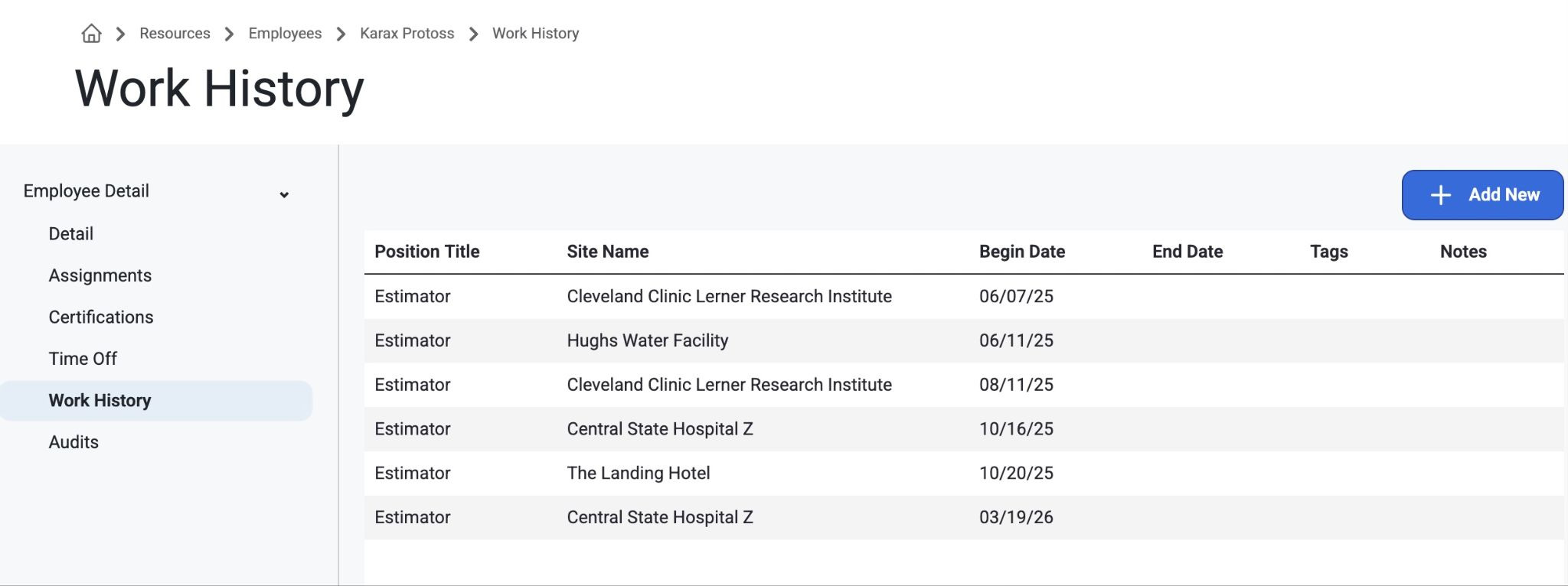
As admins assign people to certain jobs, this page will list all those jobs here with the tags on the work history table. There is also the option to manually ‘Add New’ and include a Title/Site/Tag and a start/end date.
Audits
This page will show an audited list of anything that is updated or changed.
Was this article helpful?
That’s Great!
Thank you for your feedback
Sorry! We couldn't be helpful
Thank you for your feedback
Feedback sent
We appreciate your effort and will try to fix the article