Daily Resource Job Schedule Report
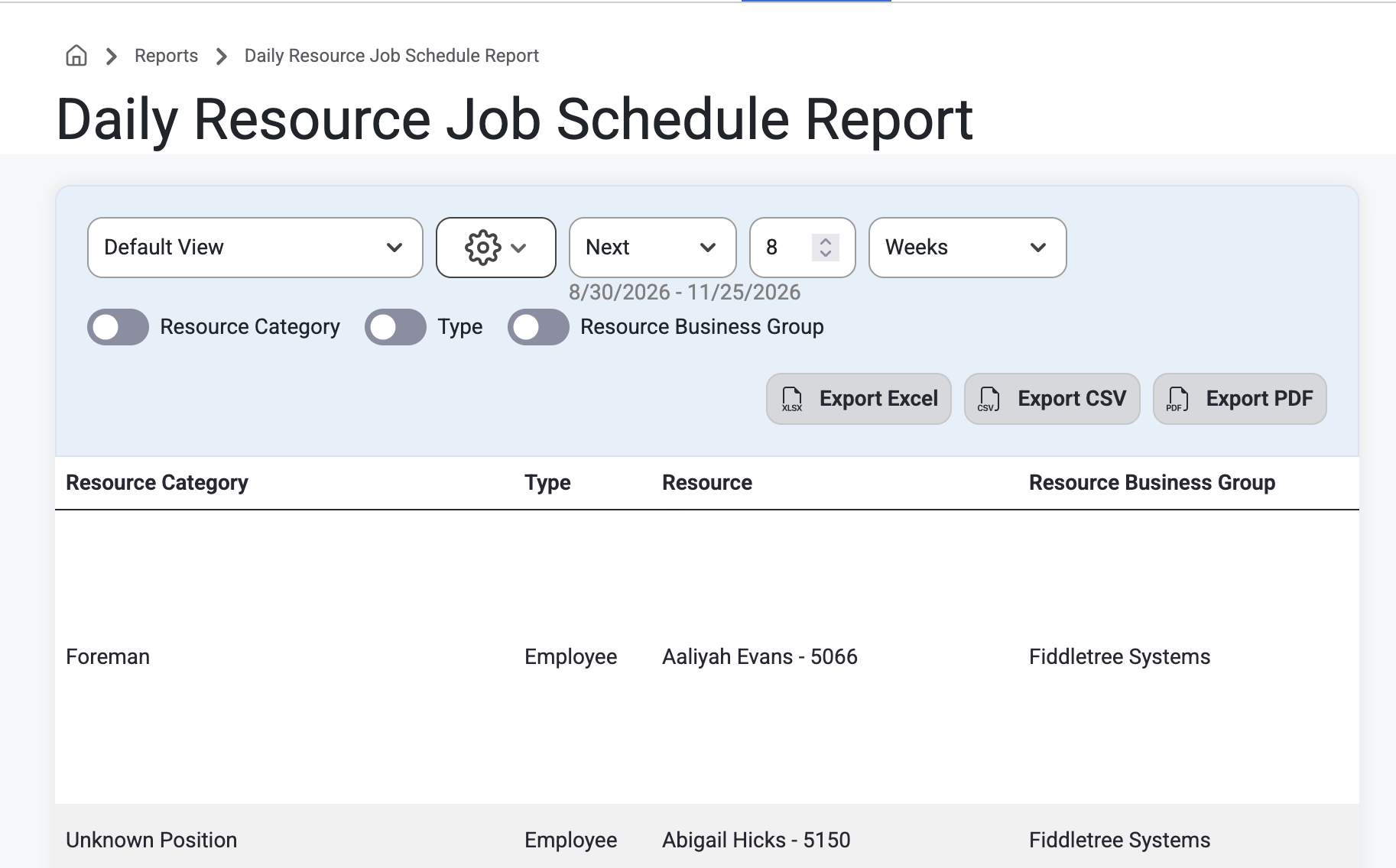
The Daily Resource Job Schedule Report shows a gridlist of what Business Groups and Employees were allocated to per day. Users can search and filter this list by Resource Category, Type of Resource, Resource, or Business Group as well as search by week range.
Users can also Export this report via Excel, CSV, or PDF.
How to: To access, select ‘Reports’ from the main navigation bar and navigate to ‘Daily Resource Job Schedule Report’ from the drop-down menu.
Purpose: This Report allows PMs and Admins a view of day-to-day staffing and resource coordination as well as answer questions like, “Who or what is scheduled to be where, on which job, and when?”
Was this article helpful?
That’s Great!
Thank you for your feedback
Sorry! We couldn't be helpful
Thank you for your feedback
Feedback sent
We appreciate your effort and will try to fix the article