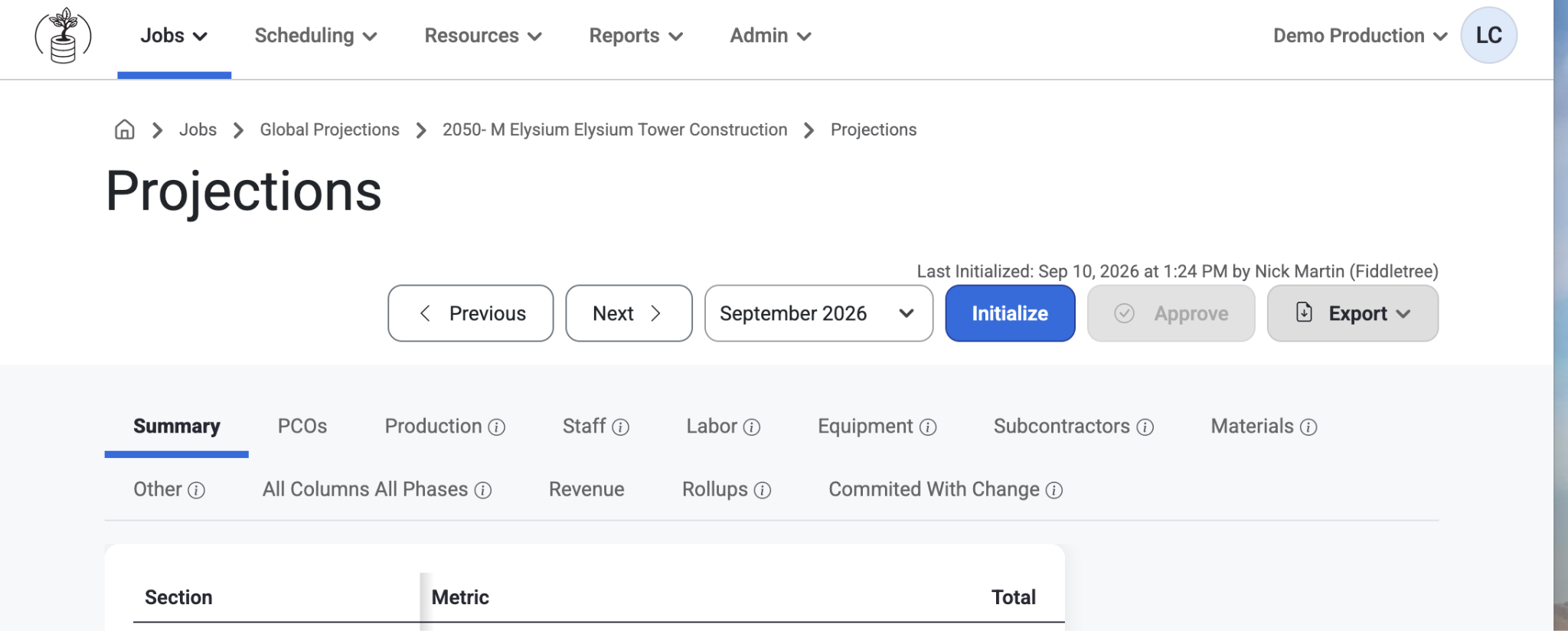
Summary Tab

Created by Leah Cadman, Modified on Mon, 30 Mar at 4:24 PM by Leah Cadman


Projection Forecast Summary Report

The Projection Forecast Summary Report gives you a department-by-department view of how a job is performing financially and operationally at the time of the selected projection.

This report helps answer questions such as:

  • What is the current expected revenue for the job?
  • What is the projected total cost to complete?
  • Are we overbilled or underbilled?
  • Which departments are driving the forecast?
  • How does the current projection compare to the original bid?

The report is organized by job department. Each column represents a department, and each row represents a metric or forecast category.


Overview

This report combines:

  • Original contract values
  • Approved contract changes
  • Potential revenue additions
  • Actual cost and hours to date
  • Forecasted cost and hours at completion
  • Profitability and billing KPIs

This allows project teams to see both the current job position and the expected final outcome.


Header Section

Original Contract Value
The original contract amount for the department before approved change orders are added.
This is your starting contract value and represents the department’s original awarded amount.

Approved Change Orders
The total change in contract value from the original contract to the current approved contract.
This shows the net impact of approved change orders only.

Current Contract Value
The current approved contract amount for the department.
This includes the original contract plus approved change orders.

Notices to Proceed
Revenue tied to pending or active change-related work included in the projection.
This reflects projected revenue from notices to proceed and does not include Potential Revenue Additions.

Potential Revenue Additions
Potential future revenue that has been identified but is not yet treated as approved contract value.
Shown separately so teams can distinguish between projected upside and committed revenue.

Est Rev at Completion (ERAC)
The estimated total revenue for the department at completion.
This is the forecasted final revenue position based on the current contract value plus included notices to proceed.

Tip: ERAC helps answer the question: “How much revenue do we currently expect this department to finish with?”


Cost Section

Projection Category Rows
These rows break projected cost into configured projection categories for the job (labor, equipment, material, subcontract, or other cost groups).
Only configured categories are included. Costs are grouped based on related budget and cost type setup.

Cost not included in other categories
Any projected cost not captured by a visible projection category appears on this line.
This ensures total projected cost reconciles to the full estimated cost at completion, even if some items are unmapped.

Estimated Cost at Completion (ECAC)
The total projected final cost for the department.
This is the forecast of what the department is expected to cost when all work is complete.

Gross Profit
The expected profit for the department at completion.
This compares projected final revenue to projected final cost.

Margin
The expected gross profit percentage for the department at completion.
Margin helps compare profitability across departments and jobs, regardless of size.

Tip: If Gross Profit is shrinking or Margin is trending down, the department may be fading compared to plan.


Financial KPI Section

Actual Cost To Date
The total actual cost posted to the department so far.
Reflects cost already incurred as of the selected projection.

% Complete - Cost
The percent complete based on cost.
Shows how much of the projected total cost has already been spent.

Earned Revenue
Revenue considered earned based on cost progress.
Example: If a department is 50% complete by cost, it is treated as having earned roughly 50% of its projected final revenue.

Billed To Date
The amount billed so far for the department.
Allows comparison of what has been billed against what has been earned.

Over/(U)nder Billings
The difference between Earned Revenue and Billed To Date:

  • Overbilled = more has been billed than earned
  • Underbilled = less has been billed than earned

Original Gross Profit %
The gross profit percentage based on the original contract and original estimated cost.
Gives a baseline margin from the original job plan before later forecast changes.

Bid Vs Actual
The change between the original gross profit percentage and the current projected margin.
Shows whether the department is forecasted to perform better or worse than originally bid.

Watch for: A negative Bid Vs Actual result often means the current forecasted performance is worse than the original estimate.


Production and Quantity Metrics

These values support production analysis and help compare what was budgeted, what has happened so far, and where the department is forecasted to finish.

Budgeted Hours – Original planned labor hours.
Actual Hours – Labor hours posted to date.
Projected Hours – Current forecasted total labor hours expected by completion.
Earned Hours – Hours considered earned based on production progress.
Used to compare actual labor performance against expected production.

Calculated Projected Hours – System-calculated forecast of final hours.
Helps compare manually projected hours against the system’s production-based calculation.

Budgeted Units – Original planned quantity where unit tracking is used.
Actual Units – Quantity completed or posted to date.
Projected Units – Forecasted total quantity expected by completion.


Additional Forecast Metrics

Expected Amount – Expected cost based on current production and performance factors.
Helps estimate what the department should have cost at its current level of completion.

Expected vs Actual Cost – Difference between expected cost and actual cost.
Highlights whether the department is currently running ahead of or behind expectations from a cost-performance standpoint.

Calculated Projected Amount – System-calculated forecasted final cost.
Can be used as an analytical comparison against the department’s current projected cost.


How Notices to Proceed and Potential Revenue Additions are handled

Notices to Proceed – Included in the projected revenue forecast, representing pending revenue actively counted in the job forecast.

Potential Revenue Additions – Shown separately, representing possible future revenue not yet treated as committed.
This separation helps avoid overstating committed revenue while keeping likely future opportunities visible.


Why some categories may still appear with zero values

Projection categories may appear even when their projected amount is zero.
This ensures users see the full category structure and do not assume a category is missing simply because it currently has no forecasted value.


Best Use of This Report

This report is especially helpful for:

  • Monthly job projections
  • PM and operations forecast reviews
  • Department-level financial analysis
  • Comparing revenue, cost, and billing position
  • Identifying fading margin or productivity issues early

It is most useful when reviewed alongside detailed projection screens, budget detail, and change management information.


Summary

The Projection Forecast Summary Report is designed to show where the job stands today and where it is expected to finish.

At a glance, it helps users understand:

  • Final projected revenue
  • Final projected cost
  • Profit and margin
  • Billing position
  • Department-level performance
  • Forecasted labor and production trends

Was this article helpful?

That’s Great!

Thank you for your feedback

Sorry! We couldn't be helpful

Thank you for your feedback

Let us know how can we improve this article!

Select at least one of the reasons
CAPTCHA verification is required.

Feedback sent

We appreciate your effort and will try to fix the article