Job Tags
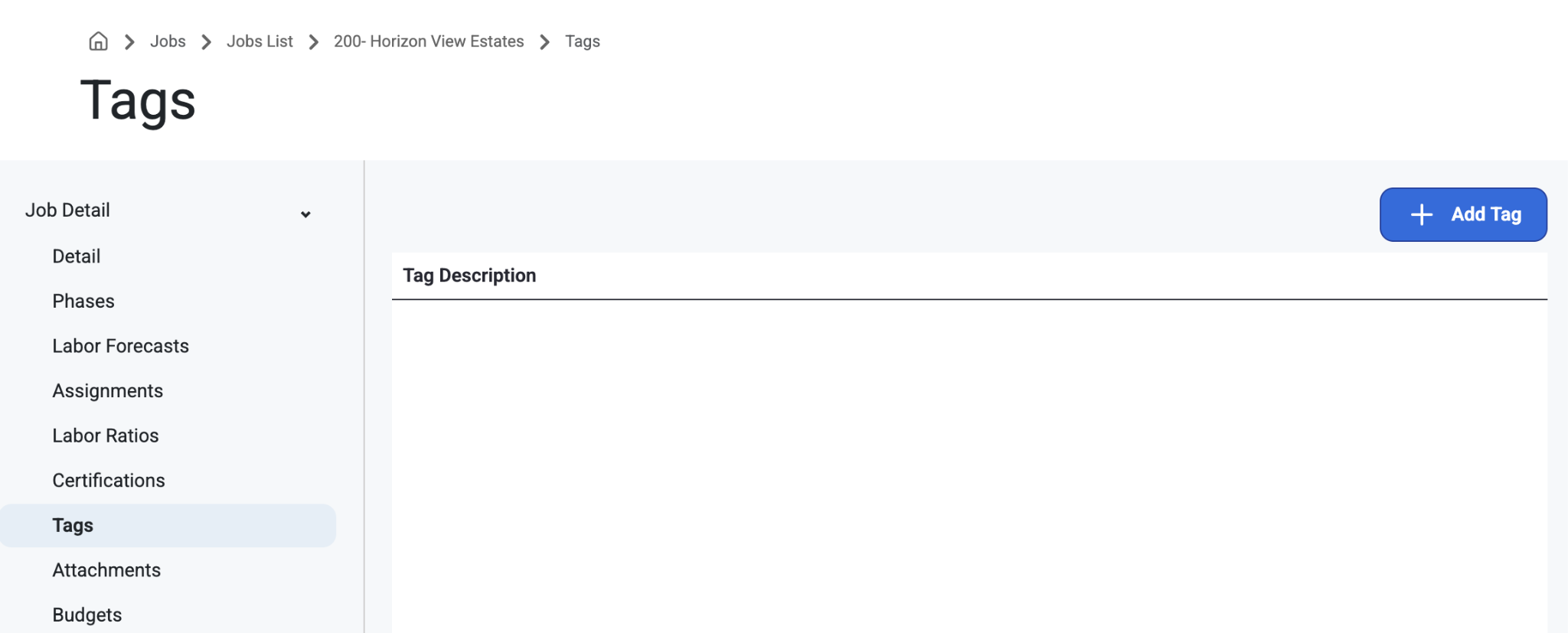
This is where Tags can be added to the Job. The tags can be anything from Job size to Job categories to anything users would like to track on each job. These tags will also be used to create Employee Work Histories, which will make it easier to find employees that have worked on different types of jobs.
To learn about setting up tags, click here: Job Setup
Was this article helpful?
That’s Great!
Thank you for your feedback
Sorry! We couldn't be helpful
Thank you for your feedback
Feedback sent
We appreciate your effort and will try to fix the article