Time Off
To view, select ‘Resources’ from the top navigation bar and select “Time Off’ from the drop-down menu. This is a searchable/filterable grid list of all employee names and their Time Off dates, descriptions, Status (whether Approved, Cancelled or Pending), The amount of hours requested off, and any additional notes.
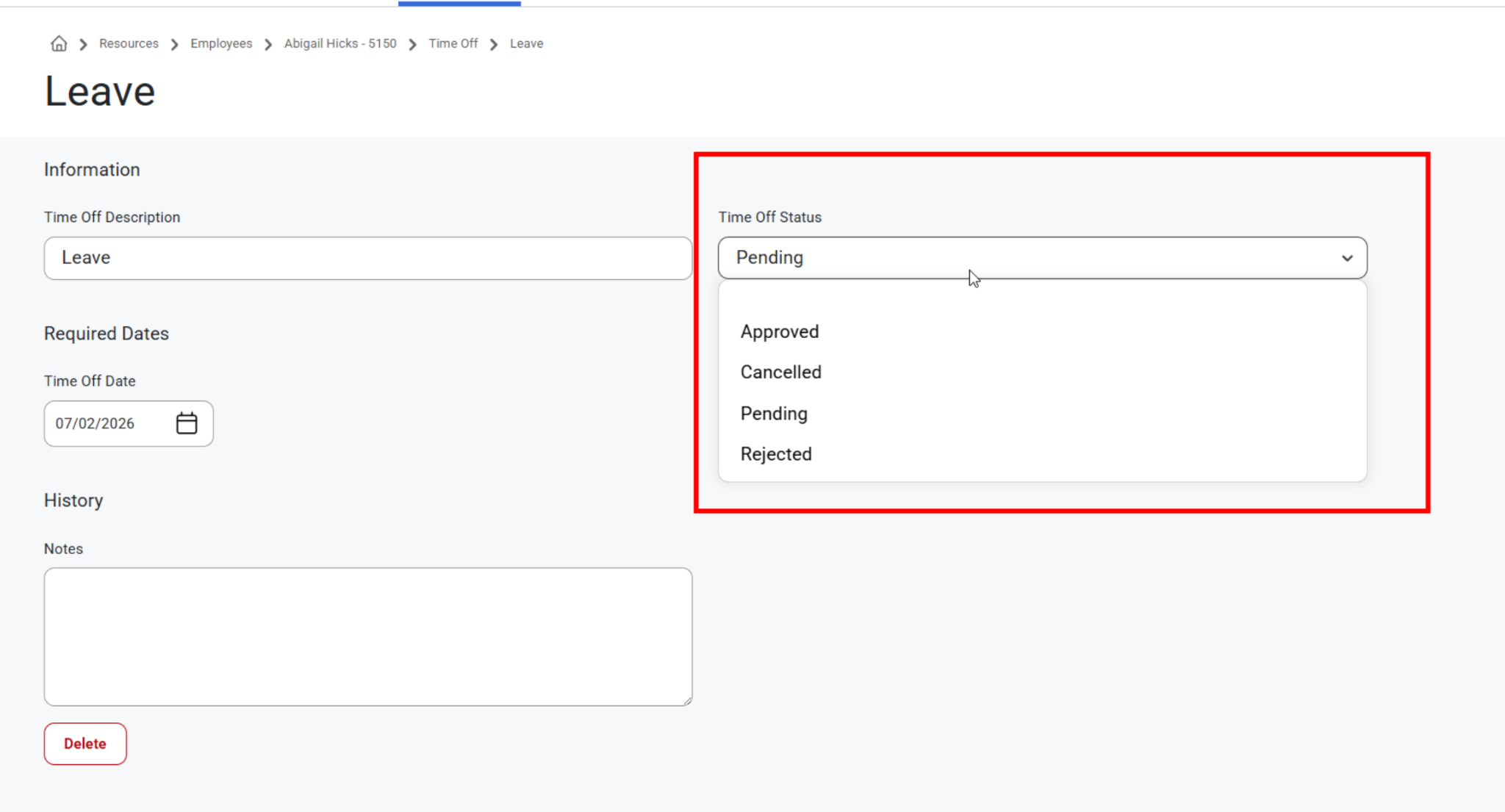
When selecting a Time Off Status from the drop down menu, the options are pulled from Admin > Status Maps instead of hardcoded values and have options Approved, Cancelled, Pending, or Rejected.
When a Time Off status becomes inactive, the associated Gantt Segments for those time-off requests will be removed. There are no Gantt Segments for inactive Time Off statuses.
Click any employee from the list to view, edit, or delete information for that request.
Users can also add time off requests on this page.
This page is reflected on the Dispatch Board so if an employee has time off, they will drop off of the available employee list when looking at daily assignments or the daily scheduling page. The employee with time off will show as already being committed to work.
Direct Link to navigating Time Off from Employee Details: Time Off
Was this article helpful?
That’s Great!
Thank you for your feedback
Sorry! We couldn't be helpful
Thank you for your feedback
Feedback sent
We appreciate your effort and will try to fix the article