Jobsite> ProjectSight
ProjectSight can be set up and integrated through Admin > Integrations.
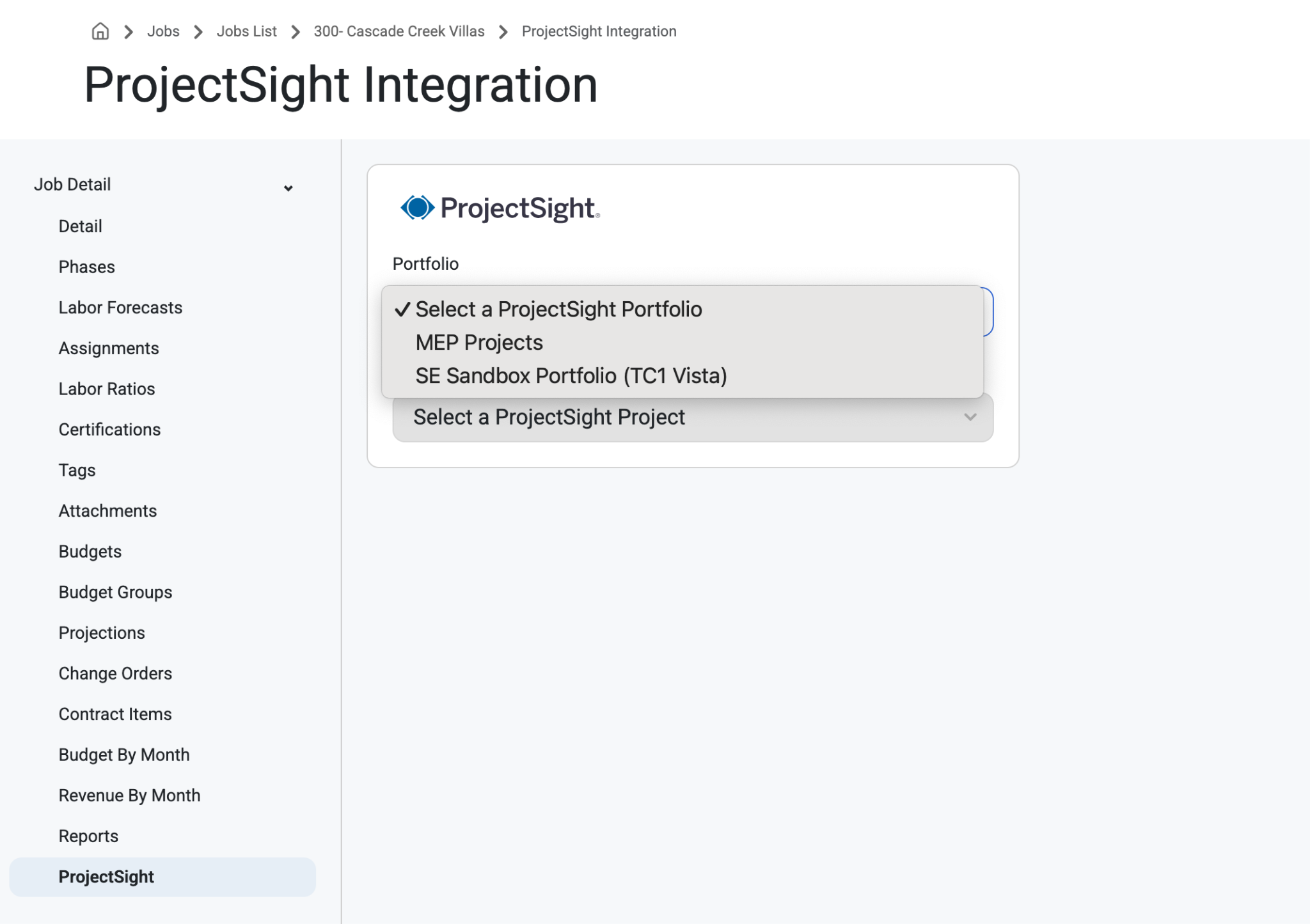
ProjectSight for Jobs can be accessed through Jobs > Job List > ProjectSight.
From here Admin Tenants can have access to data so that users and software can communicate effectively.
Select a ProjectSight Portfolio and Project.
This page will only appear once the ProjectSight integration with Resource Planning has been set up and only Tenant Admins will see it.
This page allows the admins to link Resource Planning job records with ProjectSight job records.
Read about Imports & Integrations with projectSight, here: ProjectSight
Was this article helpful?
That’s Great!
Thank you for your feedback
Sorry! We couldn't be helpful
Thank you for your feedback
Feedback sent
We appreciate your effort and will try to fix the article