ProjectSight Integration Setup
Navigate to ‘Admin’ from the top navigation bar, Select ‘Imports & Integrations’ then ‘Integrations’ from the drop-down menu.
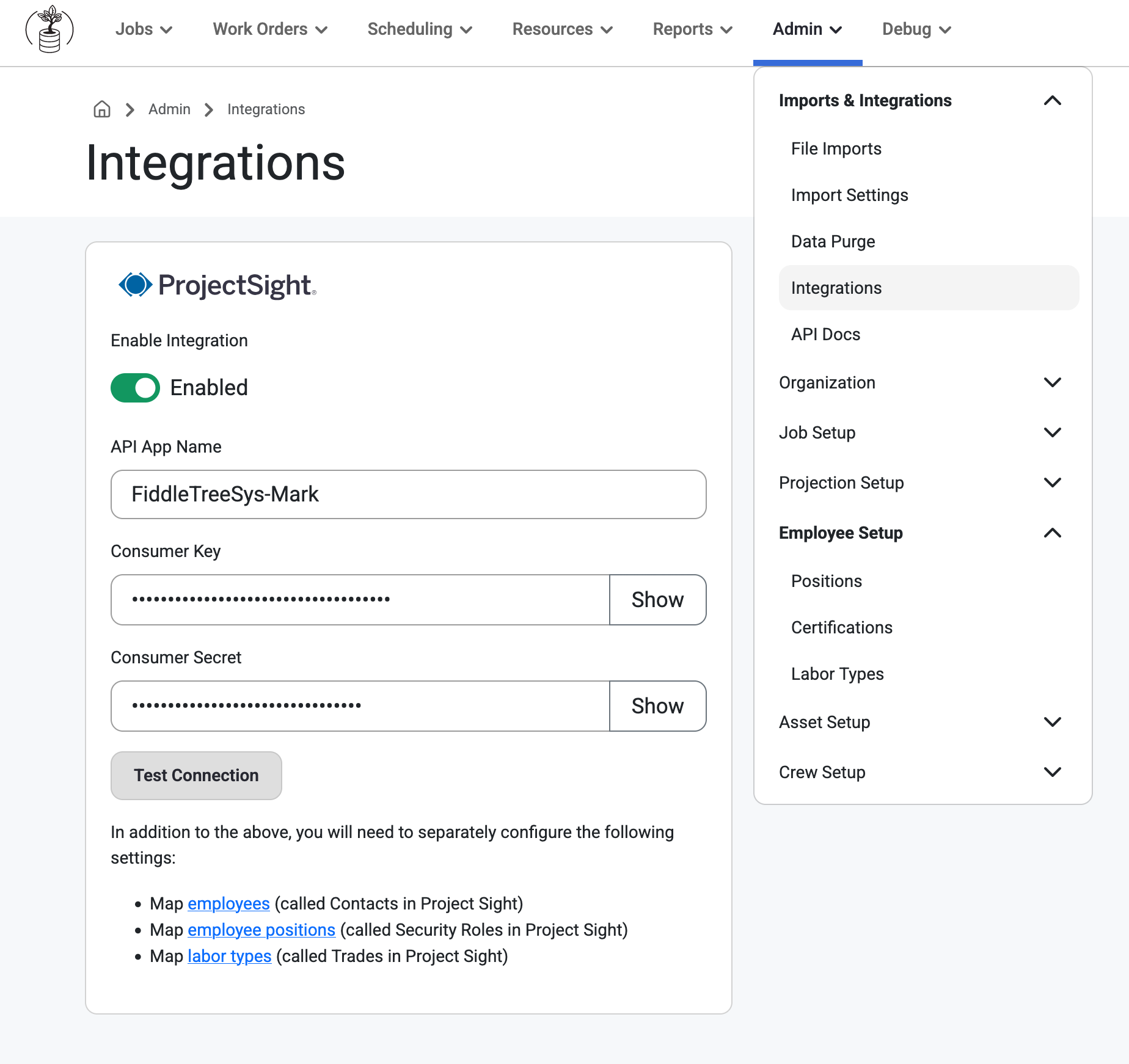
Users will need to Enable the Integration and enter the following information:
API App Name
Consumer Key
Consumer Secret
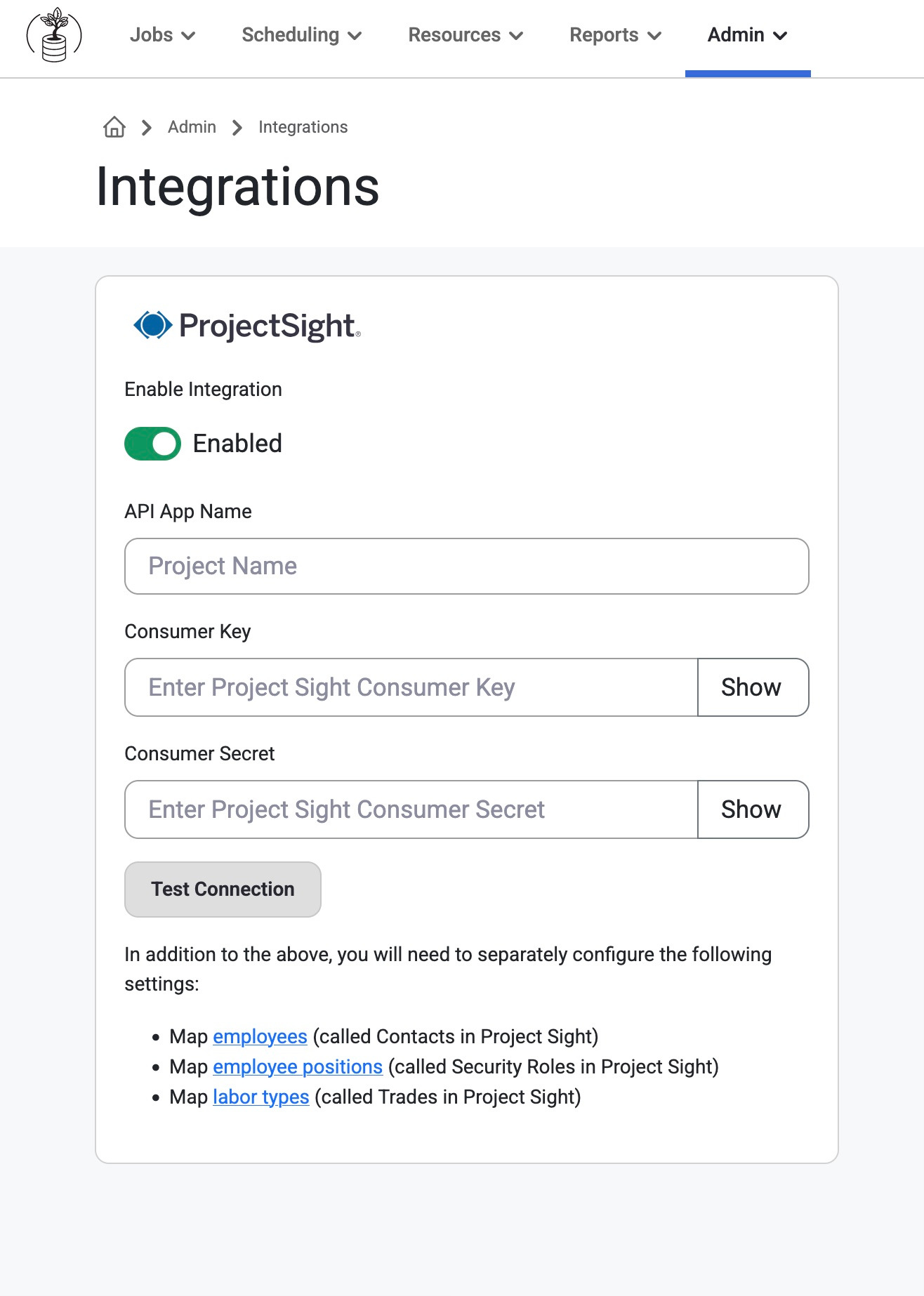
You can get these items by:
Emailing ProjectSightAPISupport@trimble.com
Requesting access to the ProjectSight APIs
Users can then begin mapping ProjectSight information to Resource Planning. Find where to map these records by clicking into the ProjectSight page for the records to be mapped.
Note: This page only appears for Resource Planning Tenant Admins. Set up viewing/editing Permissions, here: Permissions
The available fields to map are listed below:
Resource Planning Employee > ProjectSight User
Resource Planning Job > ProjectSight Project
Resource Planning Positions > ProjectSight Security Role + ProjectSight Class
Once these records are mapped, the Integration will become active.
Using the ProjectSight Integration
Job Assignments
When a long-term assignment is made to a project for an employee with a position that has been linked to a ProjectSight security role, Resource Planning will add this user with that ProjectSight security role to that Project. This process will send new assignments every 30 seconds.
Read about Jobsite>ProjectSight, here: Jobsite>ProjectSight
Daily Reports
Every night at around 12am, Resource Planning will create a Daily Report in ProjectSight if there are employees in Resource Planning that are assigned to a job that has been linked to a ProjectSight project. These employees will appear in the Labor Section of the Daily Report.
In the daily reports section, we will also want to mention that our integration requires that their job is set up for the Detailed Labor mode on the Daily Reports. Tenants can set this up by following the navigation below.
ProjectSight > Project settings > Records > Daily reports > Labor > Document as = "Detailed" and Summarize as = "Hours"
Was this article helpful?
That’s Great!
Thank you for your feedback
Sorry! We couldn't be helpful
Thank you for your feedback
Feedback sent
We appreciate your effort and will try to fix the article