What is I-9 Documents Upload Task?
This task is for employees to provide their I-9 documents during the Onboarding Process. Once complete, your Onboarding Admins can click in to the task to download the employee's I-9 documents. Additionally, these documents will flow to the employee record in Vista once they are initialized.
This task also features conditional logic. The employee is required to provide either their List A document OR both a B & C document. If the employee attempts to submit the task without providing a List A document or both their List B & C documents, an error message will appear, prompting them to add the required documents.
The below screenshots will walk you through each part of the task.
Header Section
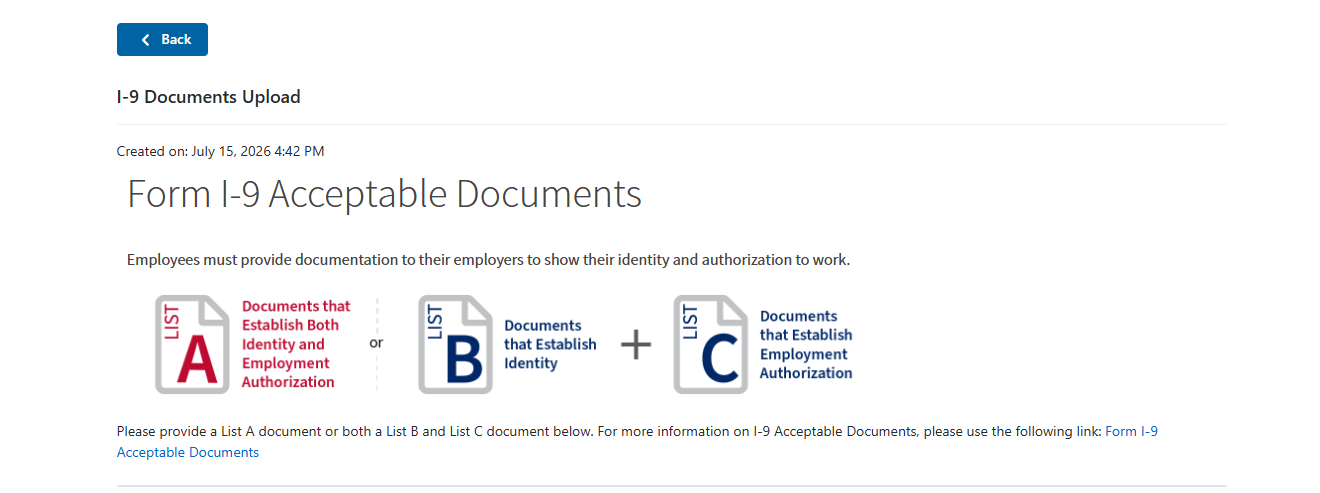
This part of the task shows the employee that they need a List A document OR both a List B and C document. The provided link will take the employee to the USCIS website to view all acceptable I-9 Documents.
List A Section
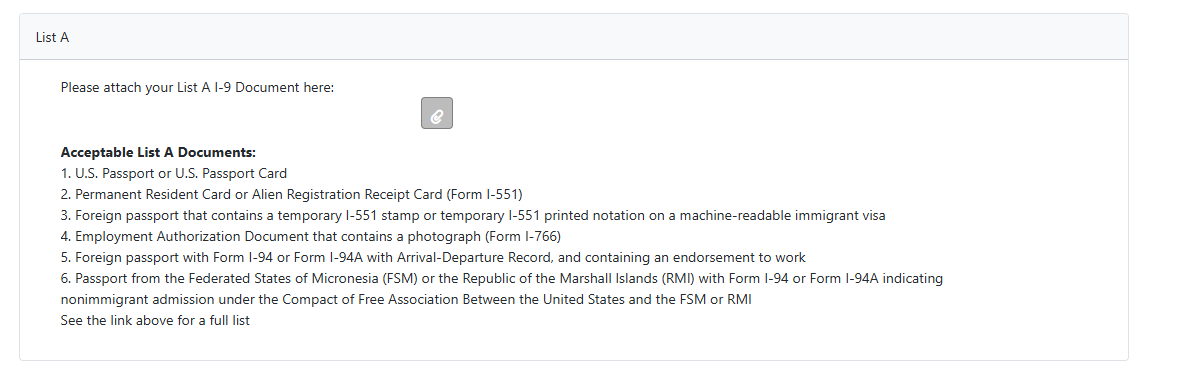
The List A section is where the employee can provide their List A document. It can be added to the paperclip button as an attachment. We also provide a list of all acceptable List A documents here.
List B & C Section
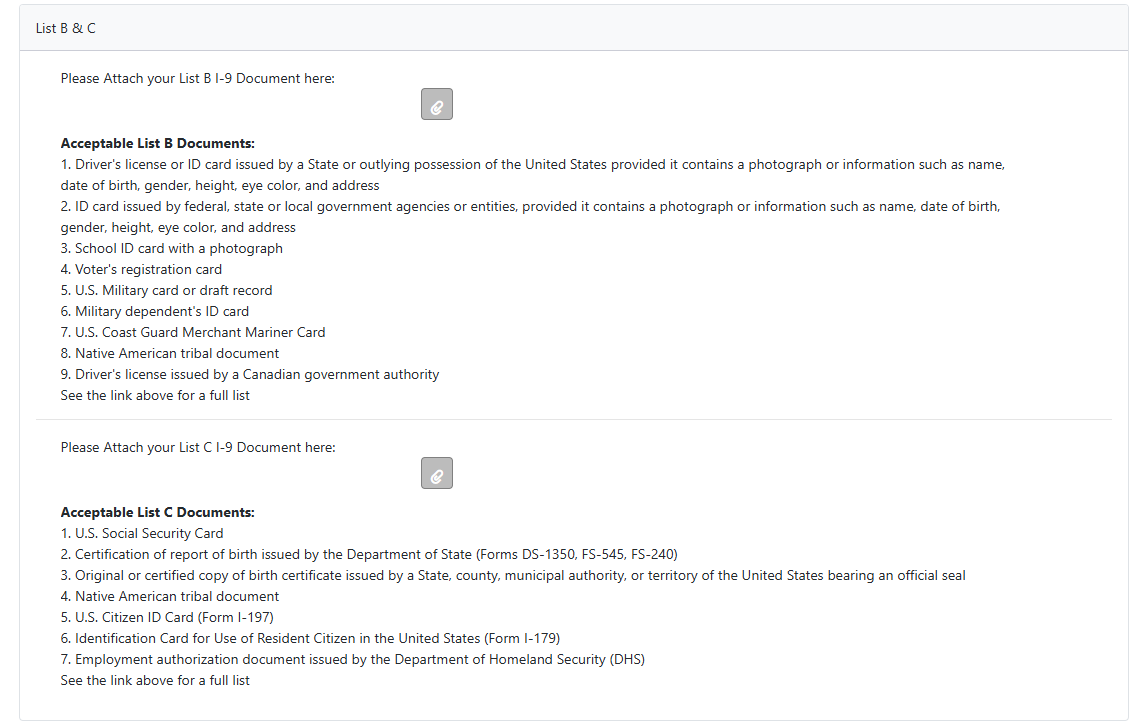
This section is where the employee can provide their List B and List C documents. We provide a list of acceptable List B and List C documents here as well. If only one of the two required documents are attached, an error message will prevent the employee from completing the task until both documents are attached.
Task Completion Section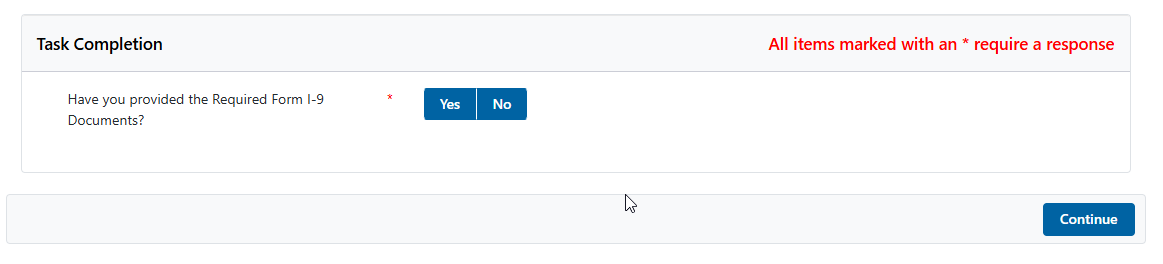
This is where the employee can attest to providing their I-9 documents. Once complete, they can use the button in the bottom right to submit the task and finish providing their I-9 Documents.
How Do I Start Using I-9 Documents Upload Task?
This is a custom task that was added to your Hiring Process Builder with the Fiddletree HR Installation. The steps below go over adding this task to your various Onboarding Profiles.
- Navigate to the Hiring Process Builder in the Portal and select the Onboarding Profile you would like to add this task to with the dropdown in the top left.
- Scroll down until you find the I-9 Documents Upload Task. Here, you can check the task On and Required. This will ensure that employees will complete the task prior to submitting their profile.
- Send an Onboarding Invitation with the profile you added the task to! You should see the I-9 Documents Upload task is automatically included for the employee to complete.
Was this article helpful?
That’s Great!
Thank you for your feedback
Sorry! We couldn't be helpful
Thank you for your feedback
Feedback sent
We appreciate your effort and will try to fix the article