Jobsite>Budget By Month
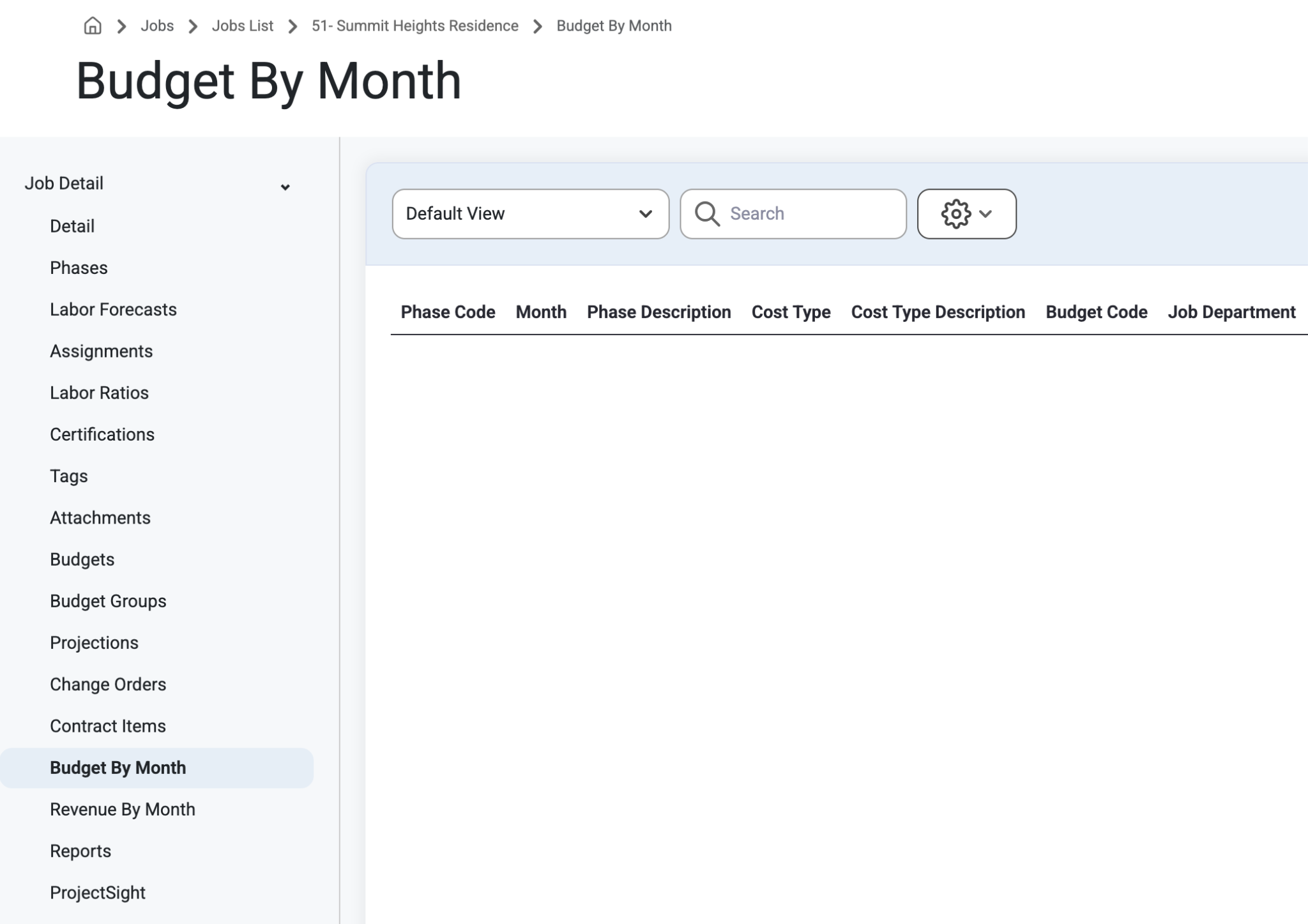
Budgets by Month and their corresponding details can be viewed for any specific Job in a certain time frame.
To View Budget By Month first select ‘Jobs’ from the top left menu bar, select ‘Jobs List’ from the drop down menu.
Select any job and navigate to the ‘Budget By Month’ page on the left side panel.
Scroll to the right to view more details about each Budget by Month.
The time frame goes from most recent to latest by default.
Records grouped by Budget Code or Contract Item can be opened by Users to see the Costs/Revenue changes by month and Totals.
This page is only accessible by those with 'Can View Sensitive' Permissions.
Read more about setting up Permissions, here: Permissions
Was this article helpful?
That’s Great!
Thank you for your feedback
Sorry! We couldn't be helpful
Thank you for your feedback
Feedback sent
We appreciate your effort and will try to fix the article