Attachments Page Overview
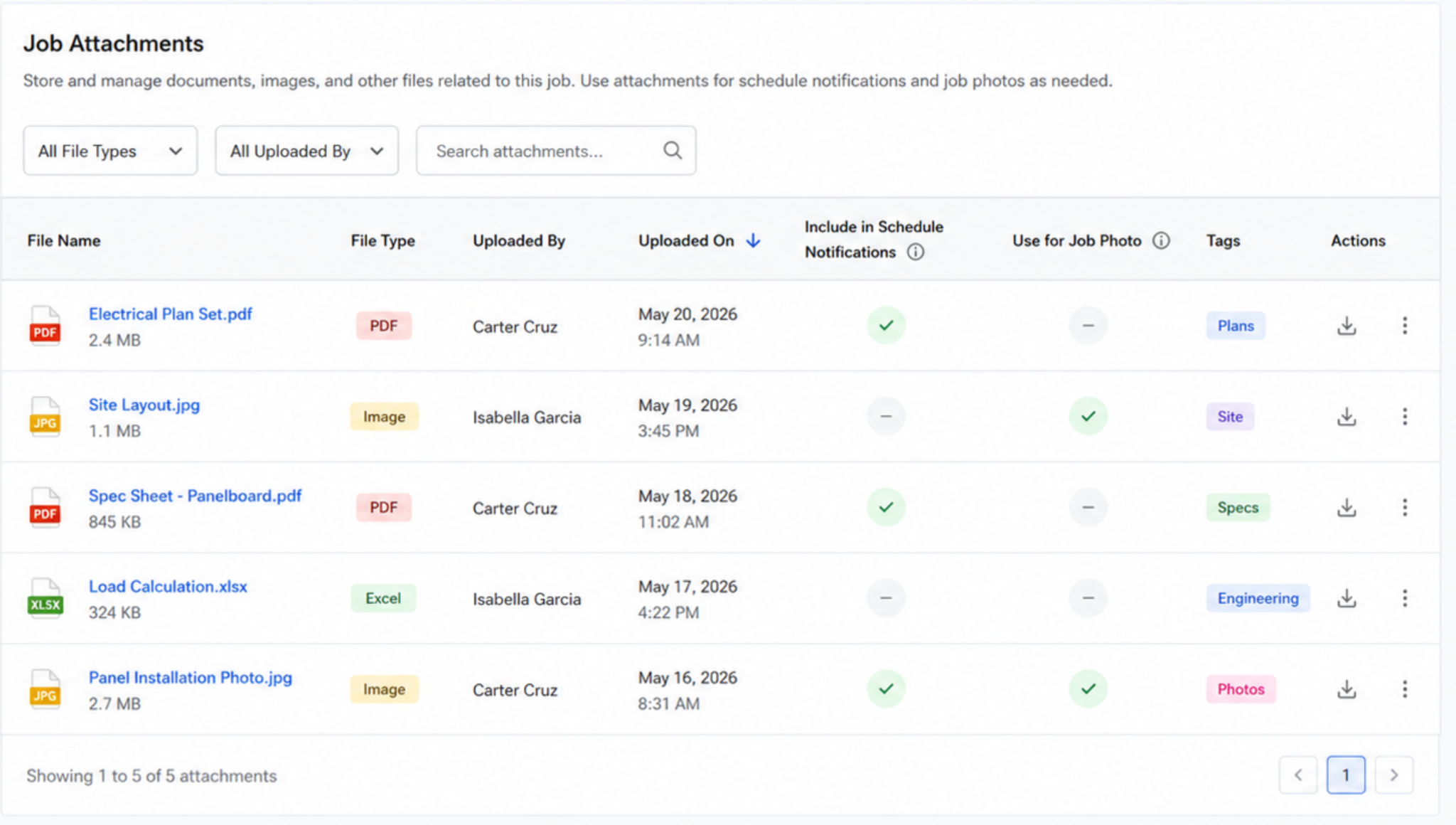
This page has a filterable and searchable gridlist for Job-specific attachments.
Read about it, here: Organization
Only users with ‘Edit Job Permissions’ can edit, add, or delete these attachments.
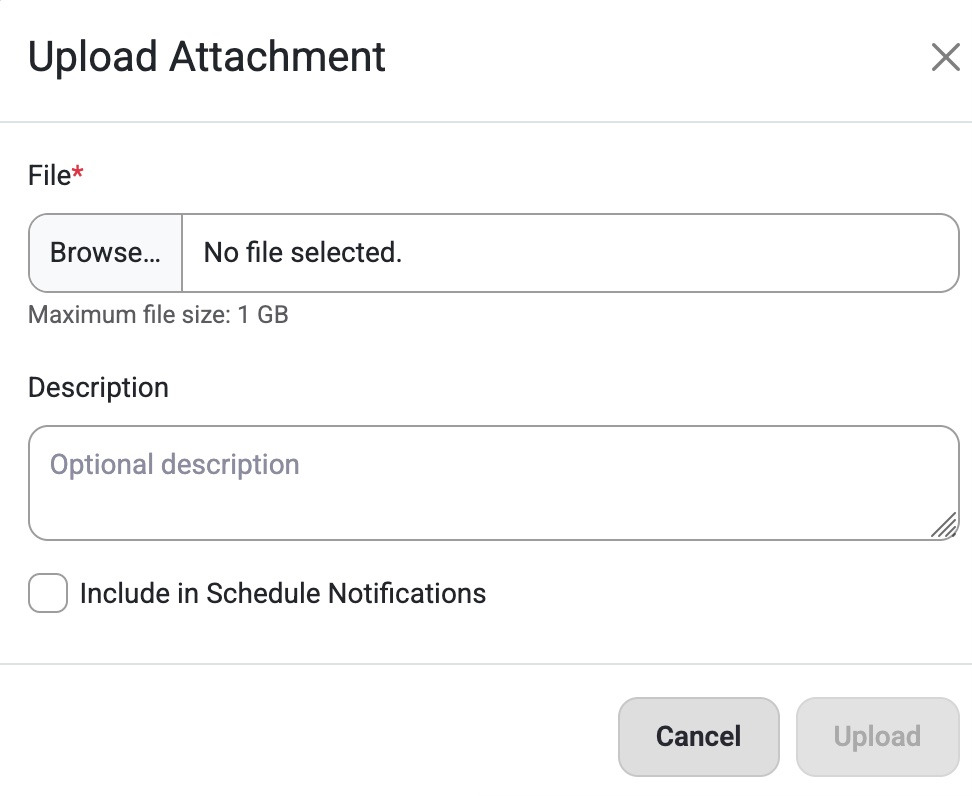
Select ‘Upload Attachment’
Opens a modal for attaching the File, updating a description, and option to include in Schedule Notifications.

Preview photos and pdfs with Attachment viewer by scrolling to the right of the gridlist.
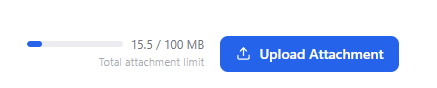
If your Attachment is over 100MB, an error message will appear.
Example: “Upload limit reached — This file would bring your total to 112 MB, exceeding the 100 MB limit. Remove an existing attachment or upload a smaller file.”
Was this article helpful?
That’s Great!
Thank you for your feedback
Sorry! We couldn't be helpful
Thank you for your feedback
Feedback sent
We appreciate your effort and will try to fix the article