Budget Groups
These are groups of Labor Types, Positions, Asset Categories, and Budget Codes that can be created automatically through the Rules engine at the Budget Group setup level or created manually.
Budget Groups can be used to filter down values in Labor Forecasts and Cost Projections to the specific Budget Group selected which allows users to drill into the specific hours/costs for their different specialties.
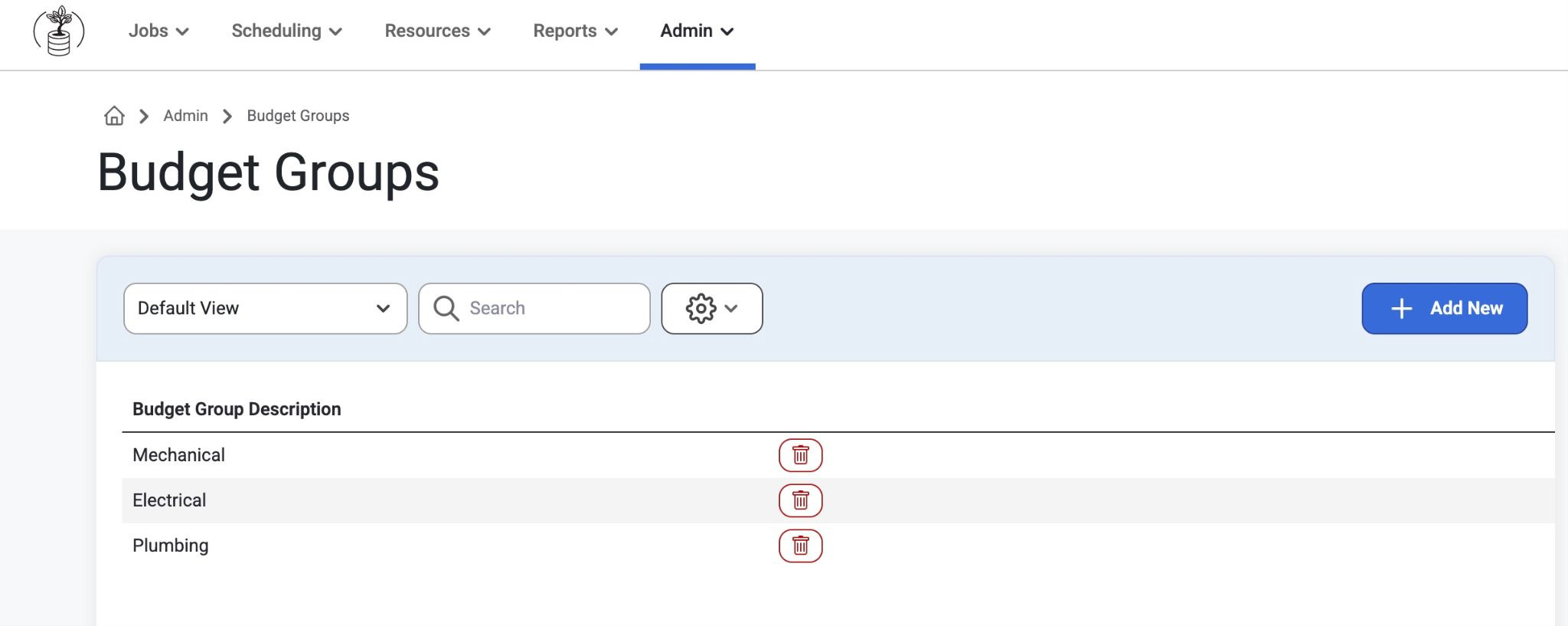
Job Budget Groups can be created in Admin>Job Setup>Budget Groups
Select ‘Add New’ to create a Budget Group Description
For more information on creating a budget group, click here: Job Setup
Adding Budget Groups to a Job
To Add a Budget Groups to a Job, go to the Job List page.
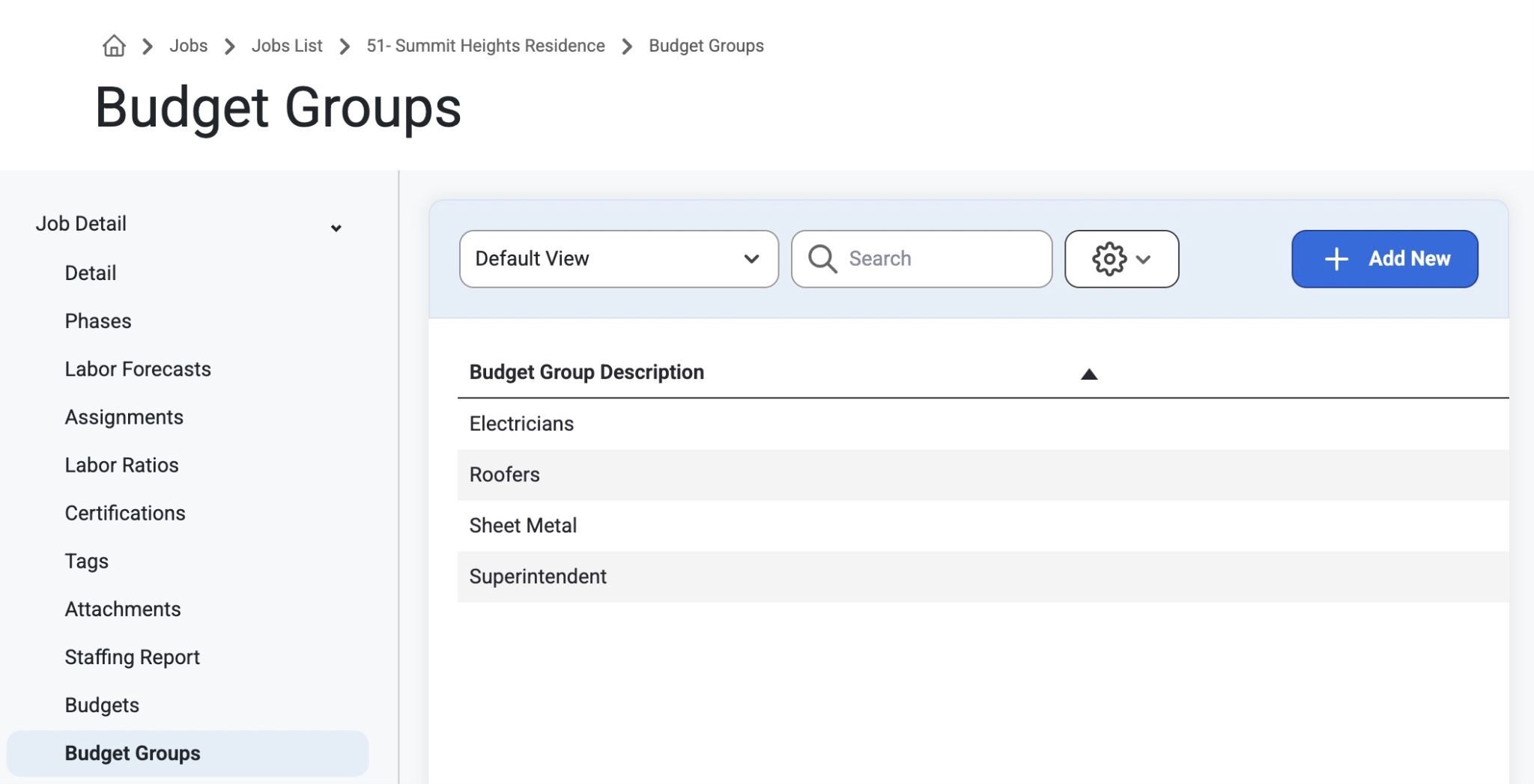
Click on a job from the Jobs List and Navigate to ‘Budget Groups’ on the left side.
Users can select the ‘Add New’ button to create a Budget Group Description:
Examples are: Electrical, Mechanical, Plumbing
These Budget Groups are sorted alpha numerically.
After a Budget Group has been added, users can click the row in the grid them to manually add Labor Types, Positions, Budget Codes, and Asset Categories to these groups
Note: We recommend using the rules engine to manage your Budget Groups so there is less manual setup and maintenance.
Adding Budget Codes
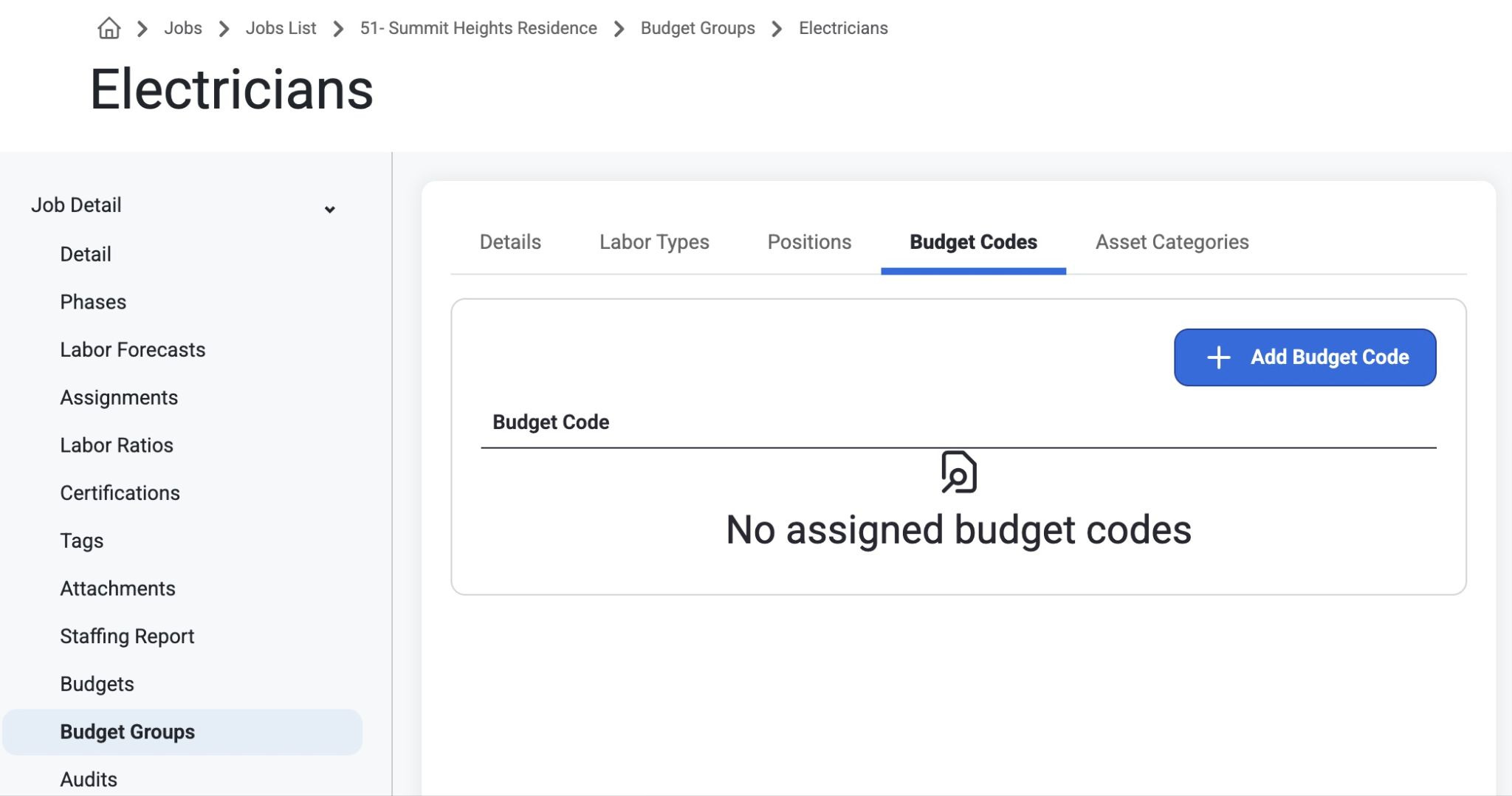
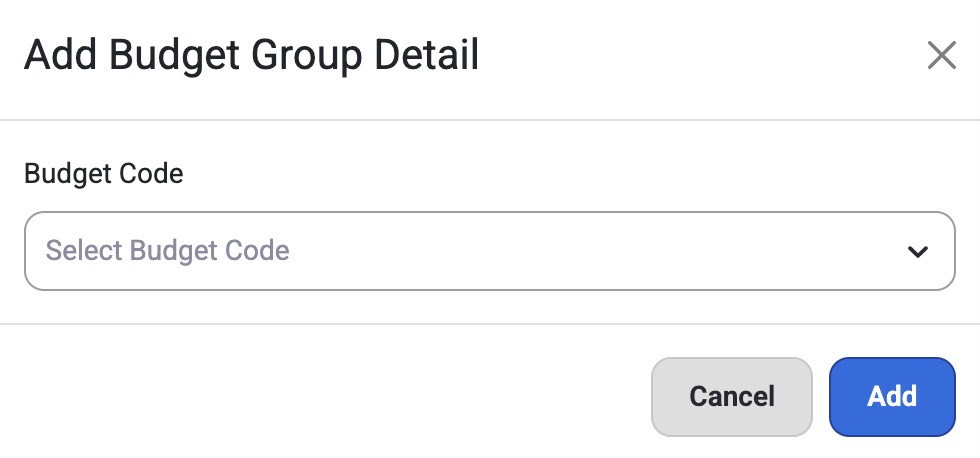
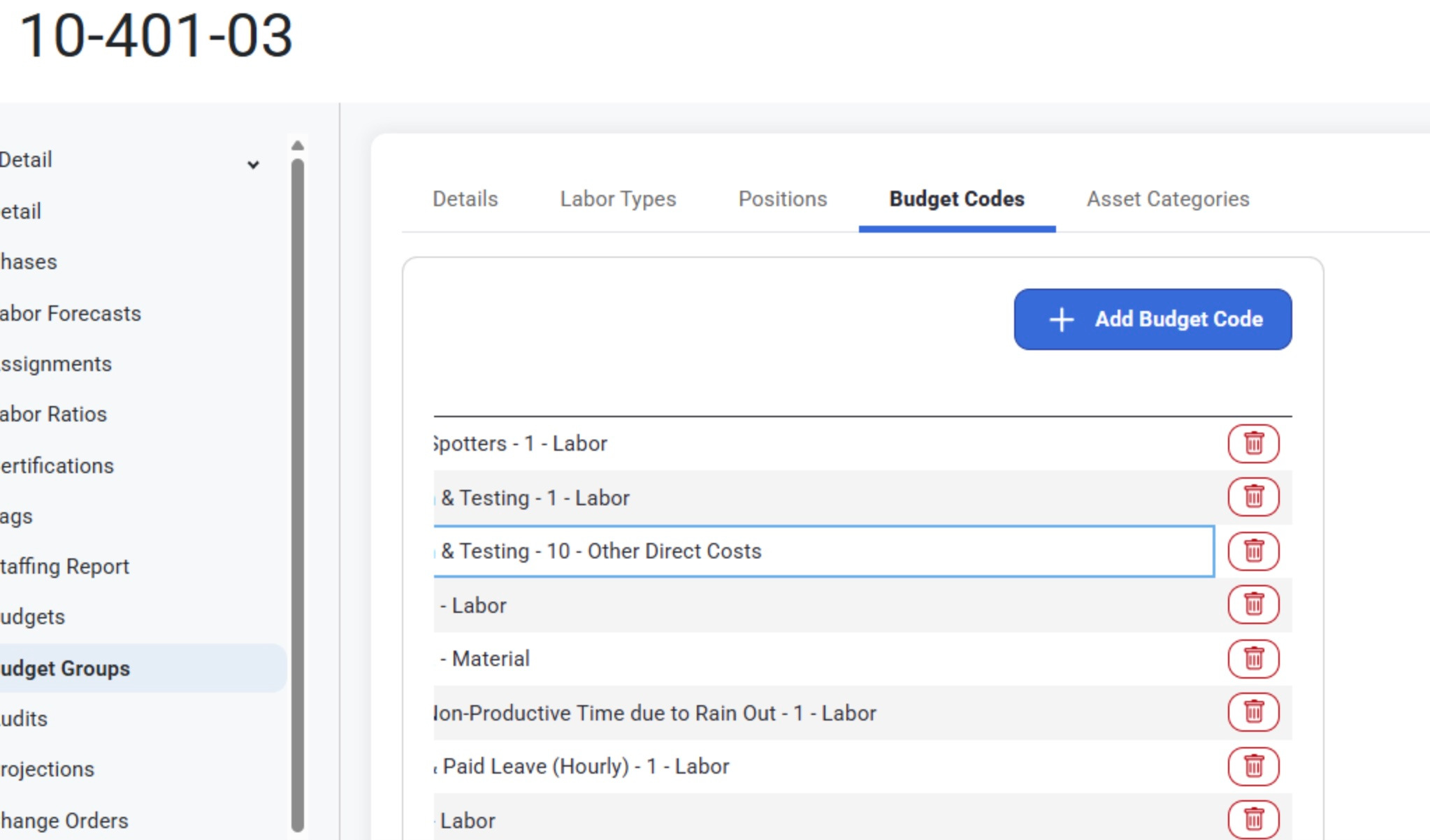
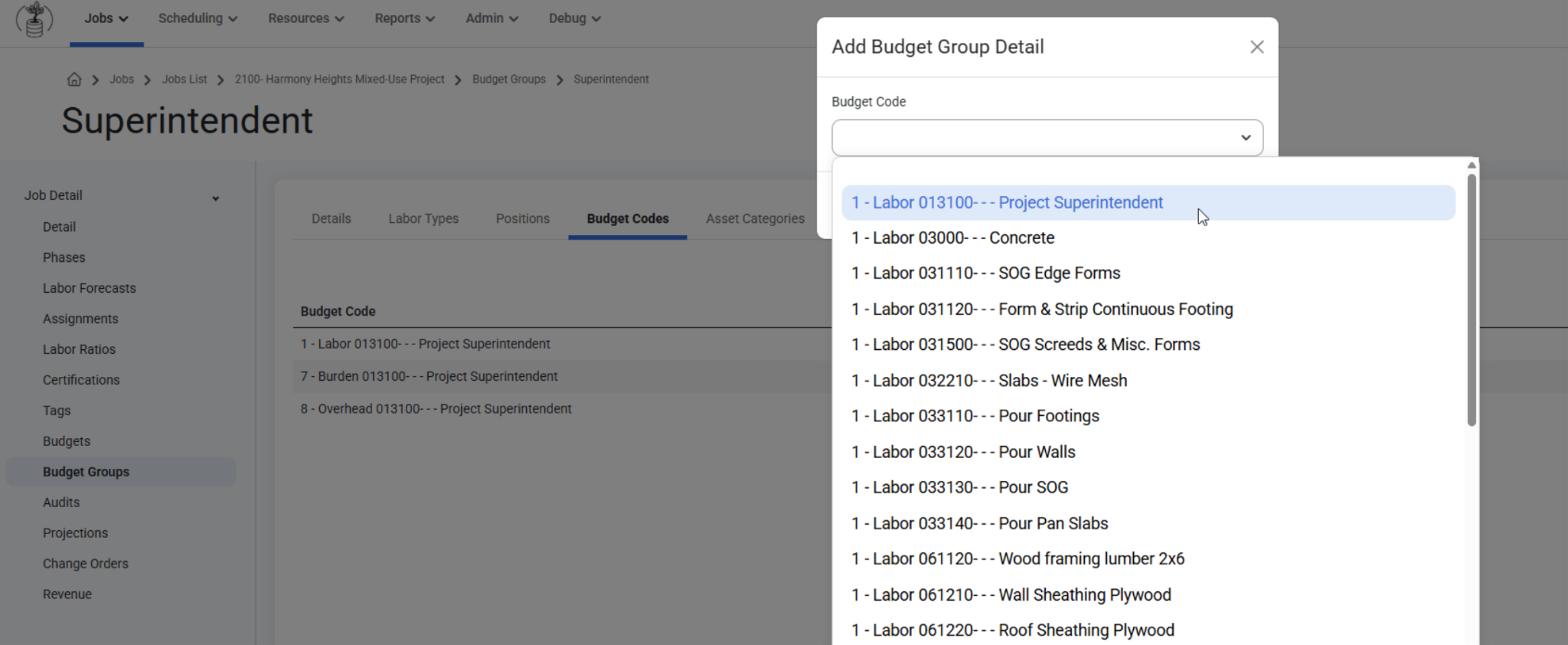
Users have the option to add Budget Codes to a job. Select a Budget Group Description from the gridlist and navigate to the Budget Code tab. Click ‘Add Budget Code’ and a modal will appear.
This feature allows users to use the Budget Code dropdown to multi-select budget codes for a job, or to delete previously created budget codes.
Was this article helpful?
That’s Great!
Thank you for your feedback
Sorry! We couldn't be helpful
Thank you for your feedback
Feedback sent
We appreciate your effort and will try to fix the article